Tripp Lite B055-001-SER Manual
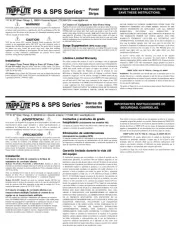
Læs gratis den danske manual til Tripp Lite B055-001-SER (2 sider) i kategorien Ikke kategoriseret. Denne vejledning er vurderet som hjælpsom af 9 personer og har en gennemsnitlig bedømmelse på 4.2 stjerner ud af 5 anmeldelser.
Har du et spørgsmål om Tripp Lite B055-001-SER, eller vil du spørge andre brugere om produktet?

Produkt Specifikationer
| Mærke: | Tripp Lite |
| Kategori: | Ikke kategoriseret |
| Model: | B055-001-SER |
Har du brug for hjælp?
Hvis du har brug for hjælp til Tripp Lite B055-001-SER stil et spørgsmål nedenfor, og andre brugere vil svare dig
Ikke kategoriseret Tripp Lite Manualer


Ikke kategoriseret Manualer
- Carlo Gavazzi
- IDENTsmart
- TCW Technologies
- Countryman
- Omnitron Systems
- Primacoustic
- YA-MAN
- Gravity
- GoldenEar Technology
- Clifford
- SteamSpa
- Osann
- Home Easy
- Blue Lantern
- Turbo Scrub
Nyeste Ikke kategoriseret Manualer


