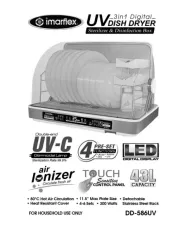
5. Press button to turn ON the unit and AUTO digital display will be
flashing.
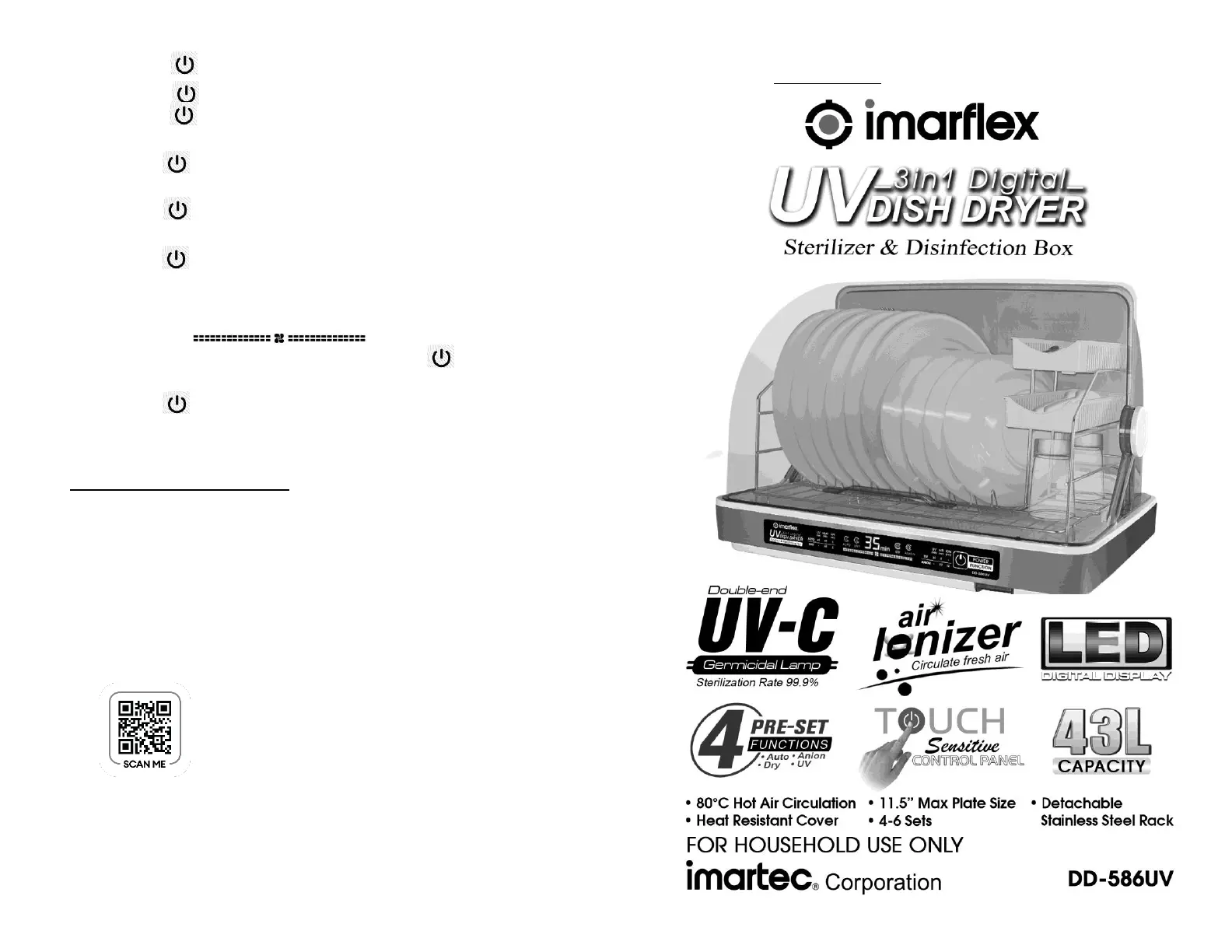
6. Press button to select the desired function.
- Press button once for AUTO function. The default time is 50
minutes and it cannot be adjusted. It is 45 minutes UV & Heat and 5
minutes Air Circulation.
- Press button twice for DRY function. The default time is 50
minutes and it cannot be adjusted. It is 45 minutes Heat and 5
minutes Air Circulation.
- Press button three (3) times for UV function. The default time is
35 minutes and it cannot be adjusted. It is 30 minutes UV and 5
minutes Air Circulation.
- Press button four (4) times for ANION function. The default time
is 10 minutes and it cannot be adjusted. It is 10 minutes Air
Circulation & Anion.
7. The selector digital display will be flashing, then wait for about 3
seconds for the function to start. The selector digital display will be
solid and will appear on the display.
*Note: To cancel and change the function, press button for 3
seconds.
8. When the timer is up, a beep sound will be heard.
9. Press button for 5 seconds to turn OFF the unit.
10. Unplug the unit from the convenience outlet after every use.
*Note: Do not block the steam vent or touch the heater during or
after use.
CLEANING AND MAINTENANCE:
1. Make sure to unplug the unit before moving or cleaning.
2. Wash the dish rack, storage boxes and dripping tray with soap and
water.
3. Wipe the cover and unit body with damp cloth or vacuum clean the
bottom of the base.
*Note: Do not immerse the unit with water or any liquid.
4. Do not wash the unit with diluents, toluene or other solvent solutions.
5. Do not leave the water in the dripping tray for a long period of time.
6. Clean the unit regularly.
REMINDER: Please do not forget to register your product
warranty through the warranty registration website at
https://imarflex.ph
Distributed By: Topgadget Distributions, Inc.
2120 A.linao St., Malate, Manila
Made in China
FOR WARRANTY REGISTRATION PLEASE
CLICK THIS LINK: https://rb.gy/7b8cmw