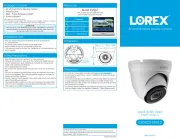
Lorex VQ1138H Manual


Læs gratis den danske manual til Lorex VQ1138H (2 sider) i kategorien Overvågningskamera. Denne vejledning er vurderet som hjælpsom af 40 personer og har en gennemsnitlig bedømmelse på 4.4 stjerner ud af 20.5 anmeldelser. Har du et spørgsmål om Lorex VQ1138H, eller vil du spørge andre brugere om produktet?

Side 1/2
Lorex Technologies Inc.
Copyright © 2011 Lorex Technologies Inc.
As our products are subject to continuous improvement, Lorex reserves the right to modify product design,
specifications and prices, without notice and without incurring any obligation. E&OE
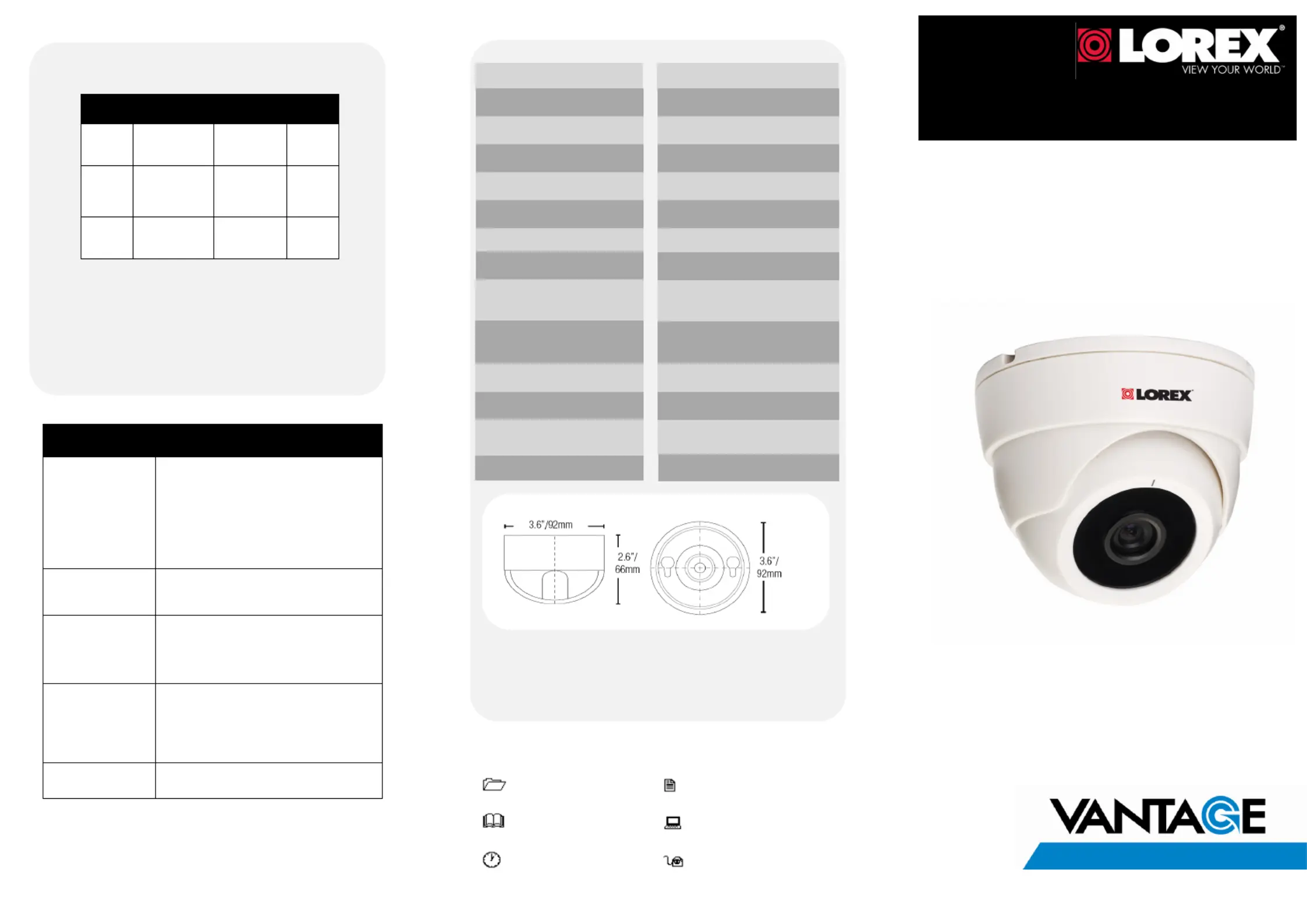
Cable Extension Options
Problem Solution
No Picture/Signal Ensure your TV is on the correct input channel.
CHANNEL, LINE1, LINE2, AUX.
If your camera is connected to a VCR/DVR,
ensure it is properly connected to your TV/
Monitor.
Ensure connections are properly connected.
Ensure the camera power supply is plugged
in.
Picture is too bright Ensure your camera isn’t pointed directly at a
source of light (e.g sun or spot light).
Move your camera to a different location.
Picture is too dark If using during the day, the camera may not
be getting enough light. Adjust position of
camera as needed. Check the brightness and
contrast settings of the device your camera
connects to (TV/Monitor/DVR).
Picture is not clear Check the camera lens for dirt, dust,
spiderwebs. Clean the lens with a soft, clean
cloth.
Make sure that the cable run is within the
limitations specified in the section ' Cable
Extension Options'
BNC connection does
not connect to my TV
Use a BNC to RCA adapter at the end of the
extension cable.
Troubleshooting
Option Cable Type
1
Regular BNC (sup-
plied with cam-
era)
180ft / 55m 3
2
Lorex 'RG59' or
'Coax' or ' Coax-
ial' BNC (sold
separately)
300ft / 92m 5
3
Lorex Universal
Cable
(sold separately)
300ft / 92m 3
Max. Cable
Run Distance
Notes:
1. For optimal performance, consider using option 2 or 3. Preference for using
the same cable type for the entire distance.
2. Cable run recommendation based on typical camera power consumption
(up to 500mA). For specialty cameras with higher current consumption,
maximum cable run may be reduced. Consider providing power to the
camera at the camera side rather then at the end of the extension cable.
3. Indicators that your cable run may be too long:
Video is permanently Black & White (even during day time)
Video is distorted
Max. # of
Extensions
Image Sensor High Resolution 1/4" Sensor
Camera Specifications
Product Information
User Manuals
Quick Start Guides
Specification Sheets
Software Upgrades
Firmware Upgrades
www.lorextechnology.com
IT’S ALL ON THE WEB!
Extend the cable run for your camera up to 300ft or more
depending on the cable type used. See table below:
*Not for outdoor use.
SECURITY CAMERA
VQ1138H Series
English Version 1.0
QUICK START GUIDE
Video Format / Pixels
Horizontal Resolution
Video Output
IR / Night Vision Range
Field of View (diagonal)
Minimum Illumination
Termination
NTSC:656(H)×492(V)
480 TVL
Comp. 1.0 Vpp @ 75ohm
70 Degrees
0.5 LUX
Video: BNC Female
Power: Barrel Female
Lens / Lens Mount 3.6 mm F2.0 / Fixed
Operating Temperature
14°F ~ 122°F
(-10°C ~ 50°C)
Power Requirement
12V DC ±10%
Power Consumption 75 mA
Weight
0.44lbs. / 0.2 kg
N/A**
Environmental Rating
Indoor only*
**This camera does not have IR LEDs. However, this camera supports low light viewing
with the help of external lighting.


Produkt Specifikationer

Mærke: Lorex
Kategori: Overvågningskamera
Model: VQ1138H

Har du brug for hjælp?

Hvis du har brug for hjælp til Lorex VQ1138H stil et spørgsmål nedenfor, og andre brugere vil svare dig