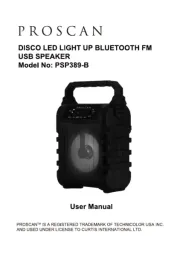
PROSCAN™ IS A REGISTERED TRADEMARK OF TECHNICOLOR USA INC.
AND USED UNDER LICENSE TO CURTIS INTERNATIONAL LTD.
ATTACH YOUR PROOF OF PURCHASE HERE, PROOF OF PURCHASE IS
REQUIRED TO OBTAIN WARRANTY SERVICE.
Please have the following information available when you contact the Support Team:
• Name, address and telephone number.
• Model number and serial number.
• A clear, detailed description of the problem.
• Proof of purchase including dealer or retailer name, address and date of purchase.
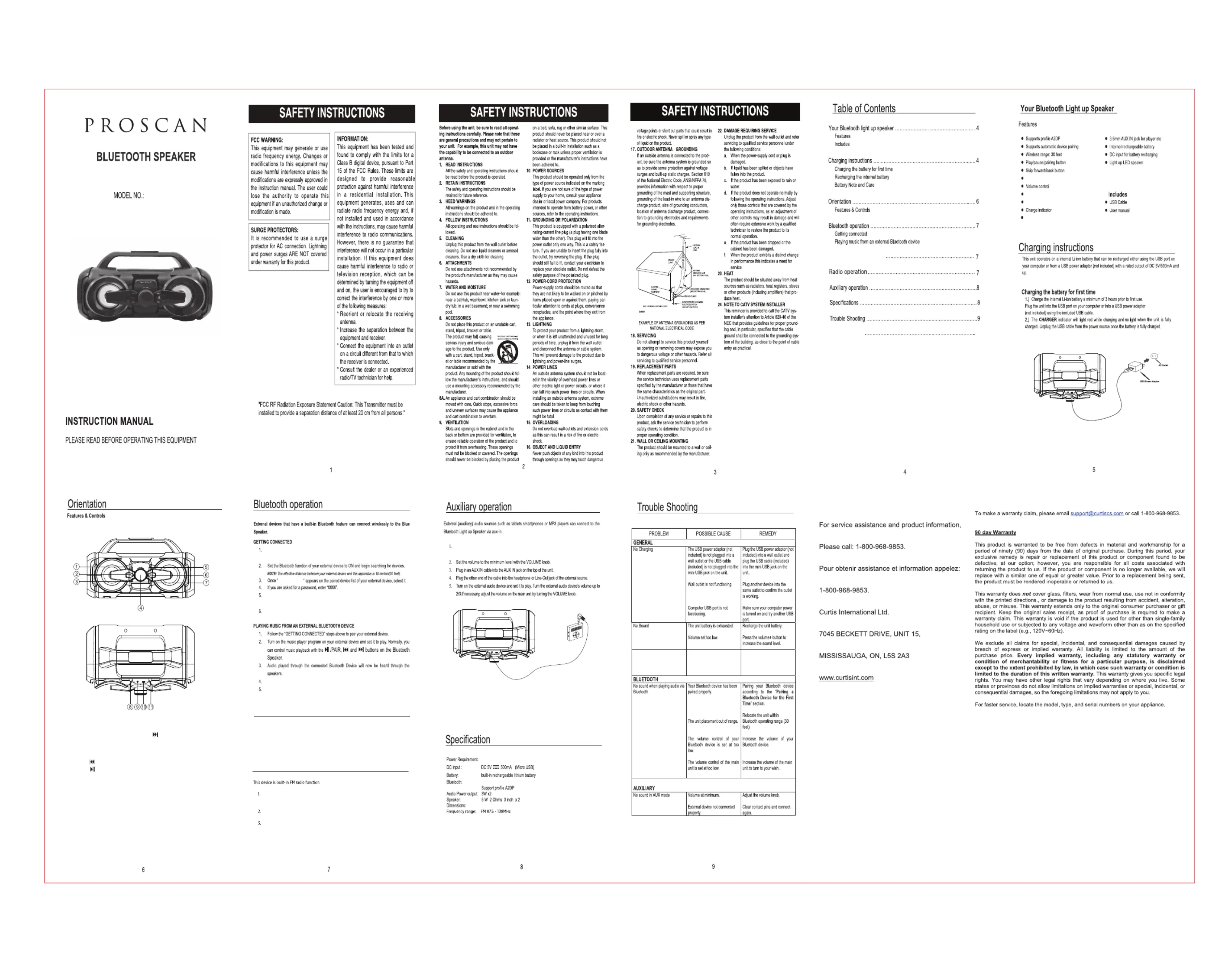
Bluetooth/AUX/FM radio source button
Bluetooth/AUX/FM radio indicator
8. WORKING MODE indicator
Power on the unit by press and hold the POWER button, WORKING MODE indicator
will light blue and flash.
A Bluetooth connected message will be heard and WORKING MODE indicator light blue
steadily that indicates a connection has been established.
A few seconds later your Bluetooth connection should be ready to used.
Adjust the VOLUME knob to obtain the desired volume level.
Press and hold the POWER button to turn off the unit.f
This device is built-in random color LED light up function for the speakers.
Press and hold the POWER button to turn the unit ON and then press the LIGHT button
to turn on/off the LED light for the speakers.
Press and hold the POWER button to turn the unit ON and then press SOURCE
button to select the WORKING MODE indicator light red (AUX mode).
Press and hold the POWER button to turn the unit ON and then press SOURCE
button twice to select the FM radio mode.
SORUCE Button sequence - Bluetooth -> AUX -> FM Radio
Under the FM radio mode, press and hold the PLAY button for 3 seconds to
start AUTO SCAN all available FM radio stations.
Press the Previous/Forward button for tuning the previous or next scanned
14.25” (W) x 7.95” (H) x 9.29” (D)