StarTech.com PEX2ECDP Manual


Læs gratis den danske manual til StarTech.com PEX2ECDP (2 sider) i kategorien Ikke kategoriseret. Denne vejledning er vurderet som hjælpsom af 15 personer og har en gennemsnitlig bedømmelse på 5.0 stjerner ud af 8 anmeldelser. Har du et spørgsmål om StarTech.com PEX2ECDP, eller vil du spørge andre brugere om produktet?
Side 1/2
Introduction
Thank you for purchasing a StarTech.com PCI
Express to ExpressCard Adapter. This product
allows you to use an ExpressCard with your PCI
Express enabled PC.
Features
• Supports both 34 and 54 form factor
ExpressCards
• Compliant with PCI Express Base Spec.1.0a
Works with PCI Express slots that provide
3.3V and 1.5V auxiliary power
System Requirements
• PC with an available PCI Express slot
Windows 2000/XP/2003 Server
Package Contents
PCI Express to ExpressCard Adapter (1)
Low Profile Bracket (1)
3’ 5-pin Header USB Cable (1)
User Manual (1)
HHaarrddwwaarree IInnssttaallllaattiioonn
PPEEXX22EECCDDPP UUsseerr MMaannuuaall
DDuuaall PPrrooffiillee PPCCII EExxpprreessss ttoo EExxpprreessssCCaarrdd AAddaapptteerr
Please note:
Please note: Although PEX2ECDP supports both USB and PCI Express-based
ExpressCards, only USB-based cards offer hot-swappable connectivity. As such, please
consult the documentation that was included with your purchase of the intended
ExpressCard, to determine whether or not it supports hot-swapping.
1. Make sure that your computer system is unplugged and that you are grounded.
2. Remove the cover of your system (see your computer's user manual for details, if necessary) and
gently turn your computer onto its side, so that the PCI Express expansion slot openings on the
motherboard are facing upwards.
3. Locate an empty PCI Express slot and remove the metal plate that covers the corresponding rear
bracket. You may need a Phillips screwdriver to perform this step. Retain the screw! You will need it to
secure the card later.
4. Gently insert the card into the empty slot, making sure it is firmly seated.
5. Secure the card in place using the screw you removed in Step 3.
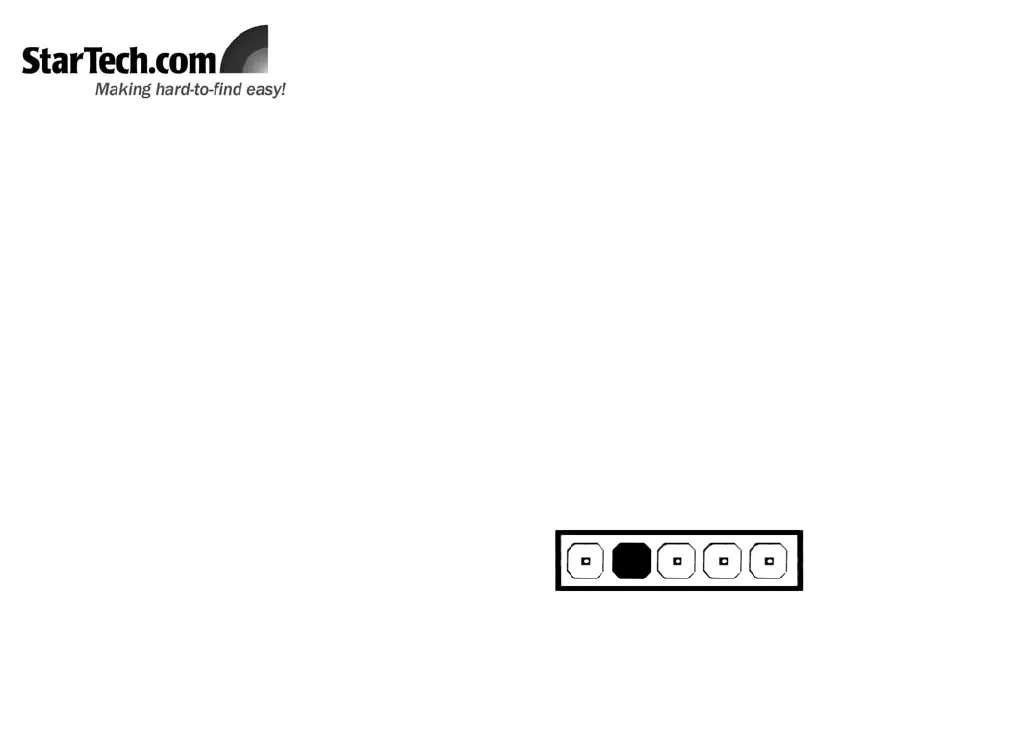
6. Connect the 5-pin header provided by PEX2ECDP to an available USB header on the host computer,
noting the following diagram. Once complete, replace the cover and power on the computer.
USB
+5V
USB
D+
USB
D-
Signal
Ground
Please note: If the motherboard does not have a USB header available for connection, please connect
the USB Type ‘B’ connector provided by PEX2ECDP to an available USB port connected to the mother-
board. Failing this, hot-plugging will not be available for inserted cards.


Produkt Specifikationer

Mærke: StarTech.com
Kategori: Ikke kategoriseret
Model: PEX2ECDP
Pakkedybde: 218 mm
Pakkebredde: 47 mm
Pakkehøjde: 159 mm
Forbindelsesteknologi: Ledningsført
Kompatible operativsystemer: Windows 2000/XP/2003/Vista
Værtsgrænseflade: PCIe
I/O-porte: ExpressCard 34/54mm
Porte, antal: 1

Har du brug for hjælp?

Hvis du har brug for hjælp til StarTech.com PEX2ECDP stil et spørgsmål nedenfor, og andre brugere vil svare dig


Ikke kategoriseret StarTech.com Manualer

Ikke kategoriseret Manualer

Nyeste Ikke kategoriseret Manualer

JET

JET JAT-450 Manual

4 December 2025
JET

JET JCT-3643 Manual

4 December 2025
Draper

Draper 34570 Manual

4 December 2025
Advantech

Advantech ADAM-4051 Manual

4 December 2025
SPT

SPT SU-1054 Manual

4 December 2025
ELO

ELO E119034 Manual

4 December 2025
ELO

ELO E432771 Manual

4 December 2025







