StarTech.com SLMSOPTB Manual


Læs gratis den danske manual til StarTech.com SLMSOPTB (2 sider) i kategorien Ikke kategoriseret. Denne vejledning er vurderet som hjælpsom af 7 personer og har en gennemsnitlig bedømmelse på 4.3 stjerner ud af 4 anmeldelser. Har du et spørgsmål om StarTech.com SLMSOPTB, eller vil du spørge andre brugere om produktet?
Side 1/2
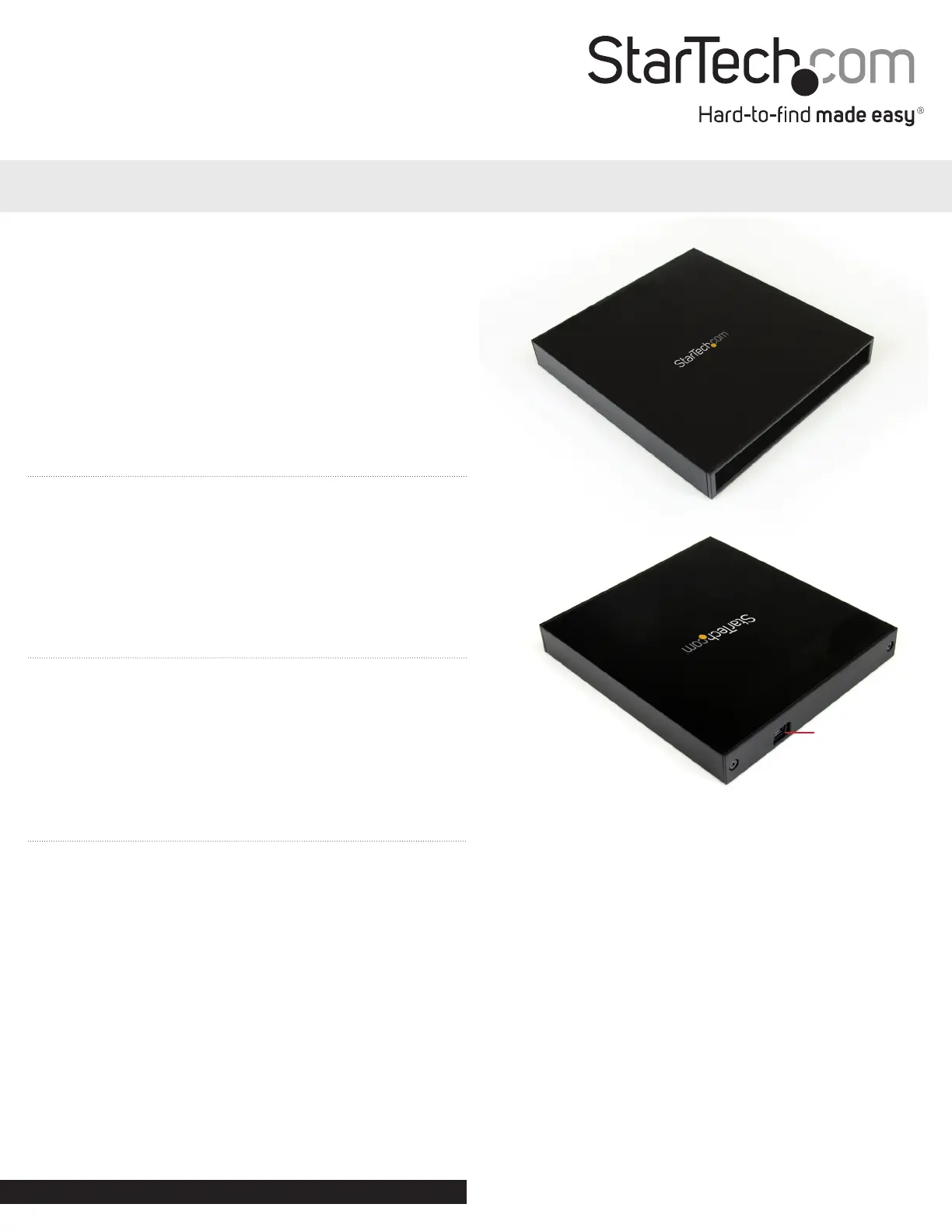
USB type mini-B
connector
USB to Slimline SATA CD/DVD Optical Drive Enclosure
SLMSOPTB
DE: Bedienungsanleitung - de.startech.com
FR: Guide de l’utilisateur - fr.startech.com
ES: Guía del usuario - es.startech.com
IT: Guida per l’uso - it.startech.com
NL: Gebruiksaanwijzing - nl.startech.com
PT: Guia do usuário - pt.startech.com
Packaging Contents
• 1 x SLMSOPTB enclosure
• 1 x USB “Y cable
• 1 x Package of screws
• 1 x Set of rubber feet
• 1 x installation Guide
System Requirements
• Slimline SATA CD/DVD optical drive
• USB enabled computer system with available port
• Microsoft
®
Windows
®
2000/XP/Server 2003/Vista/Server 2008 R2/7
(32/64-bit), or Apple
®
Mac OS
®
X, or Linux
®
Installation
1. Using a screw driver, remove the two small screws from the rear
panel of the enclosure and remove the plastic bezel.
2. The drive tray should now slide out from the front of the
enclosure.
3. Slide the slimline SATA optical drive into the drive tray from the
from the front. Make sure the line up the slimline SATA connector
on the drive to the connector at the rear of the tray.
4. Once rmly seated, use the provided screws to secure the drive to
the tray using the mounting points on the side of the drive/tray.
5. Insert the assembled drive tray back into the enclosure housing.
6. Replace the plastic rear bezel and fasten using the previously
removed screws.
7. Connect the provided USB cable from the enclosure to the host
system. No driver installation is required.
NOTE: Only the Primary USB connector needs to be connected
to the host system. If the optical drive requires more power than
can be drawn from a single USB connector, then the Secondary
connector may also be necessary.
Installation Guide
Front View
Rear View
Manual Revision: 04/08/2011
For the most up-to-date information, please visit: www.startech.com


Produkt Specifikationer

Mærke: StarTech.com
Kategori: Ikke kategoriseret
Model: SLMSOPTB
Bredde: 136 mm
Dybde: 151 mm
Højde: 20 mm
Vægt: 270 g
Produktfarve: Sort
Pakkevægt: 420 g
Pakkedybde: 212 mm
Pakkebredde: 48 mm
Pakkehøjde: 176 mm
Opbevaringstemperatur (T-T): -20 - 70 °C
Relativ luftfugtighed ved drift (H-H): 10 - 90 %
Driftstemperatur (T-T): 0 - 60 °C
Materiale: Aluminium
Certificering: CE, FCC
Kompatible operativsystemer: Microsft Windows 2000/XP/Server 2003/Vista/7/ Server 2008 R2, \nMac OS 10.x +, \nLinux
Grænseflade: USB 2.0
Plug and play: Ja
USB-drevet: Ja
I/O-porte: 1x 5 pin, mini-USB Type B, Female\n1x 13 pin, SATA, Female
Antal understøttede lagerdiske: 1
Understøttede lagerdrev brugerflader: SATA

Har du brug for hjælp?

Hvis du har brug for hjælp til StarTech.com SLMSOPTB stil et spørgsmål nedenfor, og andre brugere vil svare dig


Ikke kategoriseret StarTech.com Manualer

Ikke kategoriseret Manualer

Nyeste Ikke kategoriseret Manualer

JET

JET JAT-450 Manual

4 December 2025
JET

JET JCT-3643 Manual

4 December 2025
Draper

Draper 34570 Manual

4 December 2025
Advantech

Advantech ADAM-4051 Manual

4 December 2025
SPT

SPT SU-1054 Manual

4 December 2025
ELO

ELO E119034 Manual

4 December 2025
ELO

ELO E432771 Manual

4 December 2025







