StarTech.com USB56KEM Manual


Læs gratis den danske manual til StarTech.com USB56KEM (2 sider) i kategorien Ikke kategoriseret. Denne vejledning er vurderet som hjælpsom af 12 personer og har en gennemsnitlig bedømmelse på 4.9 stjerner ud af 6.5 anmeldelser. Har du et spørgsmål om StarTech.com USB56KEM, eller vil du spørge andre brugere om produktet?
Side 1/2
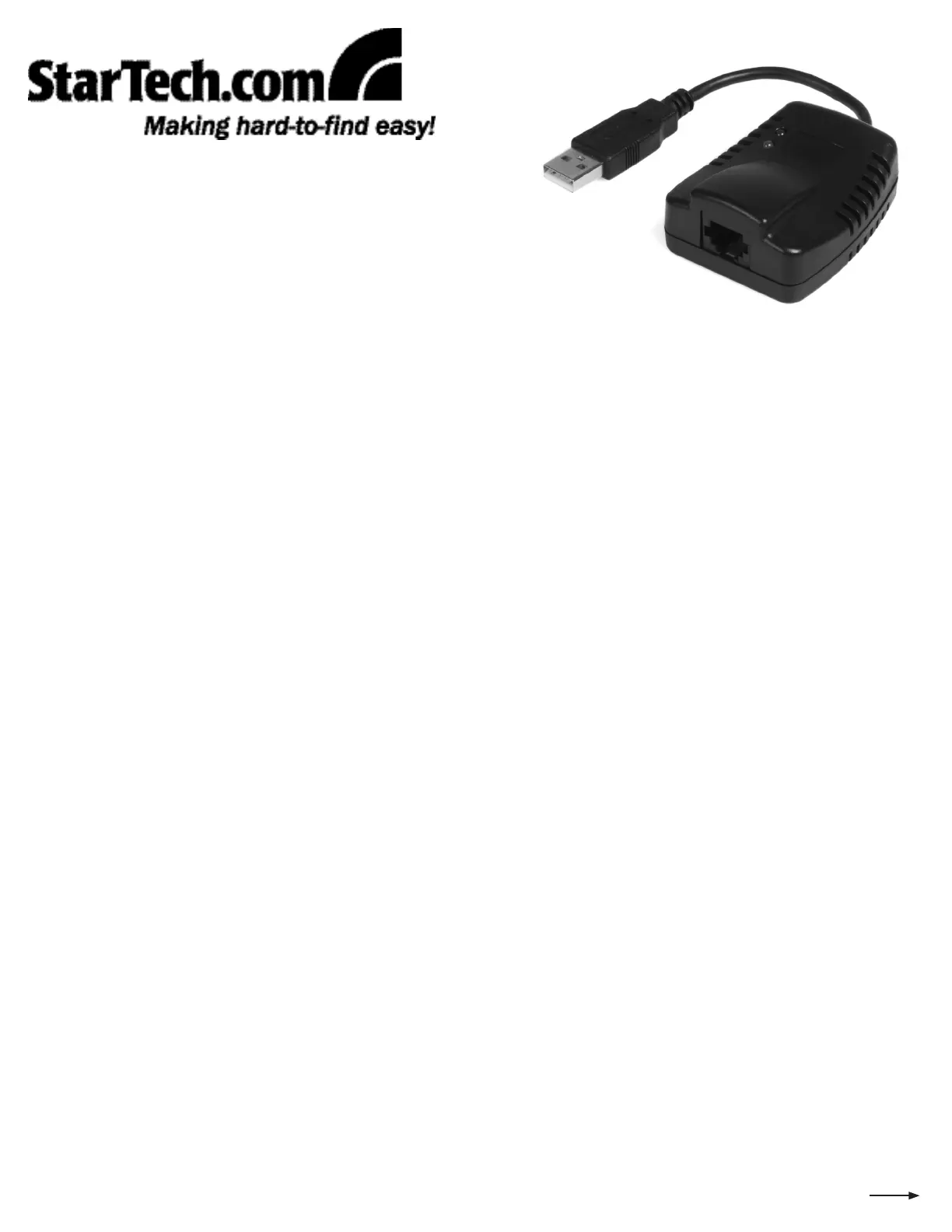
USB56KEM
USB 56K External Modem
Introduction
Thank you for purchasing a StarTech.com USB External Modem. Ideal for users who require access to a dial up service, this compact,
lightweight device supports PCM Upstream, quick connect, and V.44 data and error correction, making it ideal for accessing the
Internet from a notebook or desktop computer.
Features
Supports fax send/receive rates up to 14.4Kbps•
Supports dial-up Internet services with V.44 data compression•
Supports data receive rates up to 56Kbps and send rates up to 48Kbps•
Supports PCM upstream and quick connect•
Supports Windows 98SE/ME/2000/XP/Vista (32/64-bit)/7 (32/64-bit)•
System Requirements
A computer with an available USB port, running Windows® 98SE, ME, 2000, XP, Vista™ (32/64-bit), or 7 (32/64-bit)•
An available phone line connection•
A phone/modem cable, terminated with RJ11 connectors (see • RJ6FT on http://www.startech.com)
Package Contents
1 x USB Modem•
1 x Driver CD•
1 x Instruction Guide•
Installation
With the computer in a powered state, insert the USB56KEM USB connector into an available USB port on the host computer.1.
Insert one of the RJ11 connectors provided by a phone cable (not included - see RJ6FT on http://www.startech.com) to a 2.
nearby phone receptacle. Insert the remaining end of the RJ11 cable to the RJ11 jack on USB56KEM.
Windows® 98SE/ME/2000/XP/Vista™ will automatically detect the connected USB Modem and launch the Found New 3.
Hardware Wizard. Please select No, not this time, and click on the Next button.
Insert the Driver CD into an available CD/DVD-ROM drive on the host computer, and select 4. Install the software
automatically, then click Next, then wait while the necessary files are installed.
Once the Wizard has completed installation, please click on 5. Finish. For the installation to take effect, please click on Yes
when asked if you want to restart your computer now (required).
Please see reverse for further instruction and product specifications
Windows 7 (32/64-bit)
With the computer in a powered state, insert the USB56KEM USB connector into an available USB port on the host computer.1.
Insert one of the RJ11 connectors provided by a phone cable (not included - see RJ6FT on http://www.startech.com) to a 2.
nearby phone receptacle. Insert the remaining end of the RJ11 cable to the RJ11 jack on USB56KEM.


Produkt Specifikationer

Mærke: StarTech.com
Kategori: Ikke kategoriseret
Model: USB56KEM
Modemhastighed: 56 Kbit/s
Kompatible operativsystemer: Windows 98SE/ME/2000/XP & Vista
Grænseflade: USB
Stik: 1 - USB A, 1 - RJ11
Datakomprimering: V.44
Modem-porte (RJ-11): 1

Har du brug for hjælp?

Hvis du har brug for hjælp til StarTech.com USB56KEM stil et spørgsmål nedenfor, og andre brugere vil svare dig


Ikke kategoriseret StarTech.com Manualer

Ikke kategoriseret Manualer

Nyeste Ikke kategoriseret Manualer

JET

JET JAT-450 Manual

4 December 2025
JET

JET JCT-3643 Manual

4 December 2025
Draper

Draper 34570 Manual

4 December 2025
Advantech

Advantech ADAM-4051 Manual

4 December 2025
SPT

SPT SU-1054 Manual

4 December 2025
ELO

ELO E119034 Manual

4 December 2025
ELO

ELO E432771 Manual

4 December 2025







