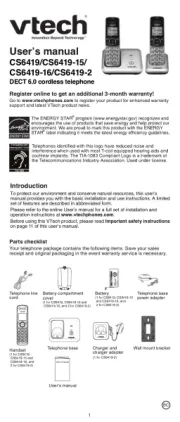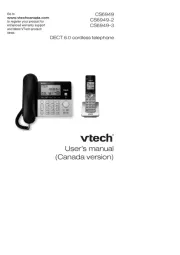
Vtech CS6529 Manual

Vtech Telefon CS6529

Læs gratis den danske manual til Vtech CS6529 (2 sider) i kategorien Telefon. Denne vejledning er vurderet som hjælpsom af 23 personer og har en gennemsnitlig bedømmelse på 3.9 stjerner ud af 12 anmeldelser. Har du et spørgsmål om Vtech CS6529, eller vil du spørge andre brugere om produktet?

Side 1/2
Set number of rings
You can set the answering system to answer an incoming
call after two, three, four, ve or six rings; or toll saver. With
toll saver selected, the answering system answers after
two rings when you have new messages, or after four rings
when you have no new messages.
Press MENU.
Scroll to Answering sys, then press SELECT.
Scroll to Ans sys setup, then press SELECT.
Scroll to # of rings, then press SELECT.
Press or to choose 6, 5, 4, 3, 2 or Toll saver,
then press SELECT.
Record your own announcement
You can use the preset announcement to answer calls,
or replace it with your own recorded announcement. The
announcement can be up to 90 seconds in length.
Press MENU.
Scroll to Answering sys, then press SELECT twice.
Press 7 to record.
Speak towards the microphone after the handset
announces, “Record after the tone. Press 5 when you are
done.”
Press 5 when nished.
IMPORTANT!
Refer to the online Complete user’s manual for a full set of
installation and operation instructions. For manual download or
customer service, visit our website at www.vtechphones.com or
call 1 (800) 595-9511. In Canada, go to www.vtechcanada.com
or call 1 (800) 267-7377.
Copyright © 2013 for VTECH TELECOMMUNICATIONS LTD.
All rights reserved. Printed in China.
96-008563-090-100
1.
2.
3.
4.
5.
1.
2.
3.
4.
5.
Introduction
This quick start guide provides you with basic installation and
setup instructions. A limited set of features are described in
abbreviated form.
You may refer to the Abridged user’s manual provided in the
product package for installation and operation instructions,
or see the online Complete user’s manual at
www.vtechphones.com for complete installation and
operation instructions.
Telephone base and charger installation
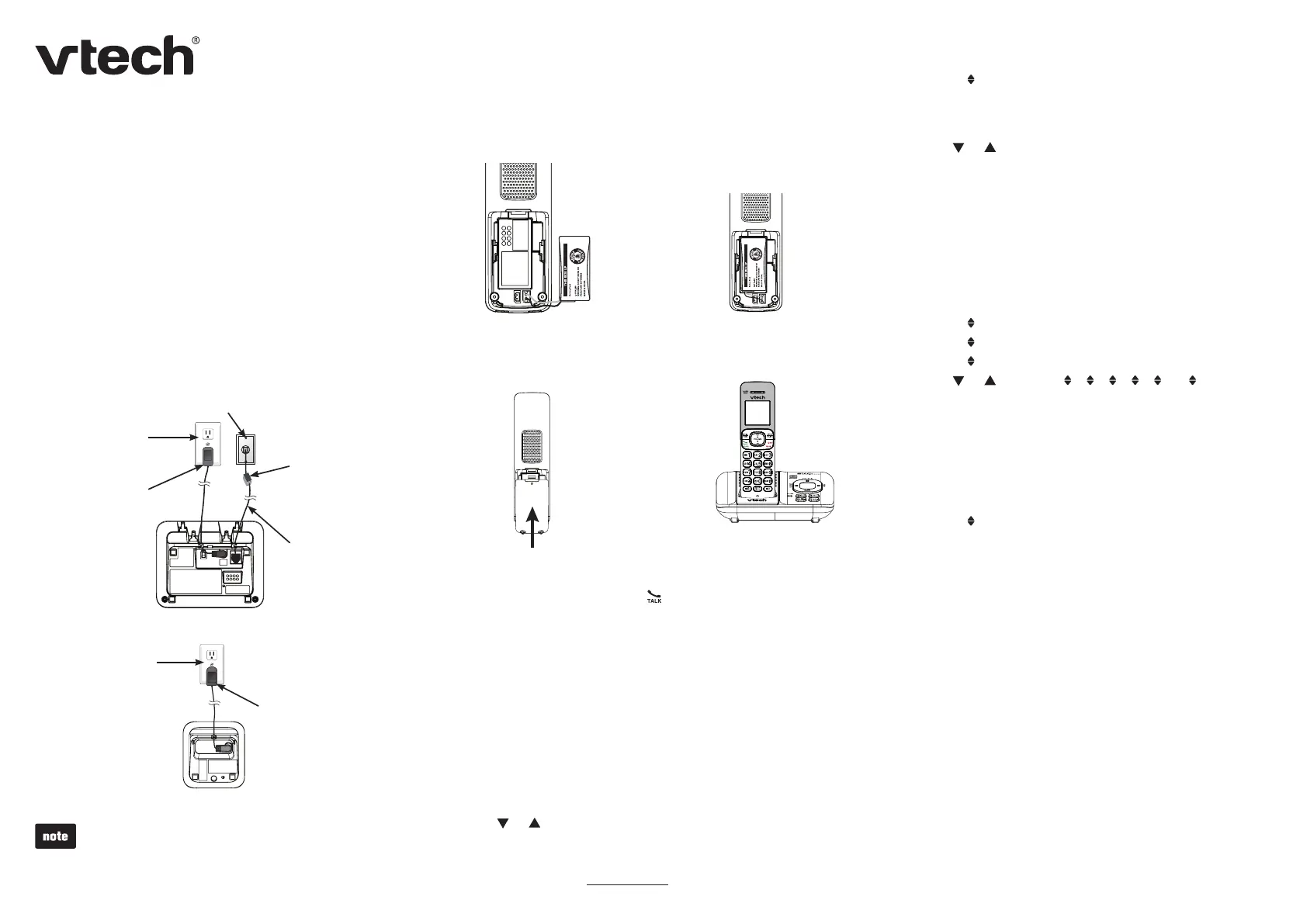
Install the telephone base and charger as shown below.
Telephone line
cord
Telephone base
Telephone wall jack
Electrical outlet
(not controlled
by a wall switch)
Telephone base
power adapter
Electrical outlet
(not controlled
by a wall switch)
Charger adapter
Charger
A DSL lter
(not included) is
required if you have
DSL high-speed
Internet service.
The DSL lter must
be plugged into the
telephone wall jack.
Use only the power adapters and batteries supplied with
this product.
If you subscribe to telephone service from a cable
company or a VoIP service provider, contact your cable/
VoIP service provider for more information.
Plug the battery connector
securely into the socket.
1. Place the battery with the
label THIS SIDE UP facing
up and the wires inside the
battery compartment.
2.
Slide the battery
compartment cover towards
the center of the handset
until it clicks into place.
3. Place the handset in the
telephone base or charger
to charge.
4.
Set date and time
Press MENU.
Scroll to Set date/time, then press SELECT.
Use the dialing keys (0-9) to enter the month, date and
year and then press SELECT.
Use the dialing keys (0-9) to enter the hour and minute.
Press or to select AM or PM.
Press SELECT.
1.
2.
3.
4.
5.
Battery installation and charging
Install the battery as shown below. Once you have installed the
battery, you may be able to make and receive short calls. For
best performance, charge the handset battery continuously for at
least 11 hours.
IMPORTANT:
Check for a dial tone by pressing . If you hear a dial tone, the
installation is successful.
If you do not hear a dial tone:
Make sure the installation procedures described above are
properly done.
It may be a wiring problem. If you have changed your
telephone service to digital service from a cable company or
a VoIP service provider, the telephone line may need to be
rewired to allow all existing telephone jacks to work. Contact
your cable/VoIP service provider for more information.
Enter the handset menu
Press MENU.
Press or until the screen displays the desired feature menu.
Press SELECT.
To return to the previous menu, press CANCEL.
To return to idle mode, press and hold CANCEL.
1.
2.
3.
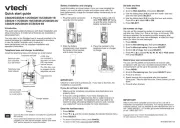
Quick start guide
CS6529/CS6529-14/CS6529-15/CS6529-16/
CS6529-17/CS6529-19/CS6529-2/CS6529-25/
CS6529-26/CS6529-3/CS6529-4B


Produkt Specifikationer

Mærke: Vtech
Kategori: Telefon
Model: CS6529

Har du brug for hjælp?

Hvis du har brug for hjælp til Vtech CS6529 stil et spørgsmål nedenfor, og andre brugere vil svare dig


Telefon Vtech Manualer

Vtech

Vtech LS6001 Manual

4 Oktober 2025
Vtech

Vtech CS6419-2 Manual

4 Oktober 2025
Vtech

Vtech SN5127 Manual

4 Oktober 2025
Vtech

Vtech CS6949 Manual

4 Oktober 2025
Vtech

Vtech DS6641 Manual

4 Oktober 2025
Vtech

Vtech DS6671 Manual

3 Oktober 2025
Vtech

Vtech VT5040 Manual

3 Oktober 2025
Vtech

Vtech 15850 Manual

3 Oktober 2025
Vtech

Vtech CS6529 Manual

3 Oktober 2025

Telefon Manualer

Nyeste Telefon Manualer

Kensington

Kensington H3005 Manual

6 December 2025
HMD

HMD Barça 3210 Manual

4 December 2025
Panasonic

Panasonic KX-TS2350 Manual

29 November 2025
Huawei

Huawei nova 14i Manual

23 November 2025
Soundcore

Soundcore Life P2 Manual

22 November 2025
Panasonic

Panasonic KX-TGE260 Manual

16 November 2025
Gigaset

Gigaset N530 IP PRO Manual

16 November 2025
Gigaset

Gigaset SL850H PRO Manual

12 November 2025
LG

LG KG200 Manual

10 November 2025
Telycam

Telycam SONO Manual

9 November 2025