Zoom 505 Manual


Læs gratis den danske manual til Zoom 505 (6 sider) i kategorien Ikke kategoriseret. Denne vejledning er vurderet som hjælpsom af 31 personer og har en gennemsnitlig bedømmelse på 4.3 stjerner ud af 16 anmeldelser. Har du et spørgsmål om Zoom 505, eller vil du spørge andre brugere om produktet?

Side 1/6
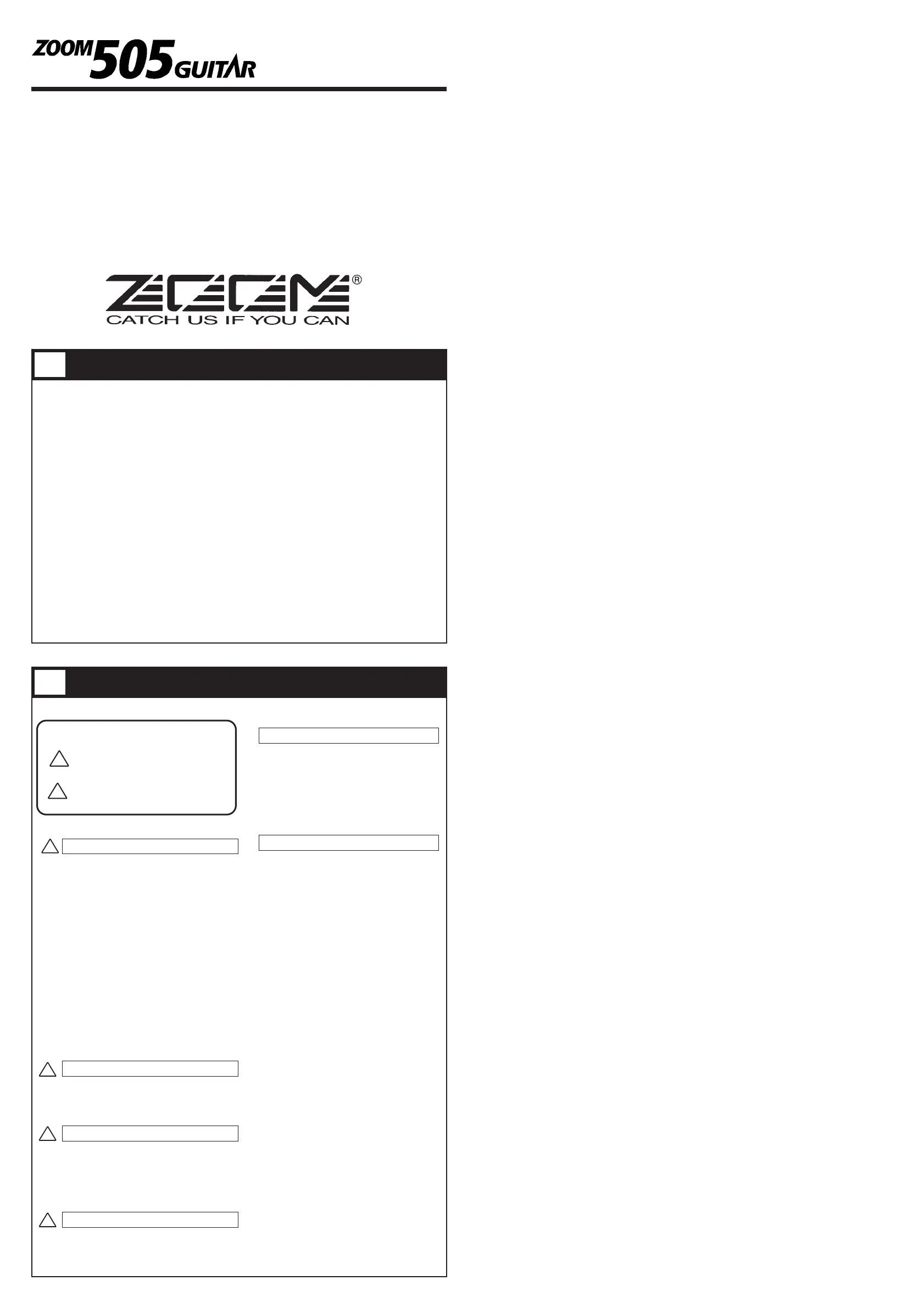
Thank you for selecting the ZOOM 505 (hereafter simply called the "505").
Please take the time to read this manual carefully so as to get the most out of
your 505 and to ensure optimum performance and reliability. Retain this manual
for future reference.
ZOOM CORPORATION
NOAH Bldg., 2-10-2, Miyanishi-cho, Fuchu-shi, Tokyo 183, Japan
PHONE: 0423-69-7111 FAX: 0423-69-7115
Printed in Japan 505-5000
24 individual built-in effects provide maximum flexibility.
Up to 9 effects can be used simultaneously in any combination.
Memory capacity for up to 24 user-programmable patches.
Integrated auto-chromatic guitar tuner for simple and precise tuning
anywhere.
Optional foot controller FP01 can be used for pedal wah or pedal pitch, and
volume control is also possible.
Optional foot switch FS01 can be used for bank switching, resulting in
enhanced playability.
Dual power supply principle allows the unit to be powered from an alkaline
battery or an AC adapter.
New DSP (digital signal processor) ZFx-2 developed by Zoom produces
high-quality effects from an amazingly compact package.
USAGE AND SAFETY PRECAUTIONS
In this manual, symbols are used to highlight warnings and
cautions for you to read so that accidents can be prevented. The
meanings of these symbols are as follows:
Please observe the following safety tips and precautions to ensure
hazard-free use of the 505.
Since power consumption of this unit is fairly high, we
recommend the use of an AC adapter whenever possible.
When powering the unit from a battery, use only an alkaline
type.
AC adapter operation
Be sure to use only an AC adapter which supplies 9 V DC,
300 mA and is equipped with a "center minus" plug (Zoom
AD-0006). The use of an adapter other than the specified type
may damage the unit and pose a safety hazard.
Connect the AC adapter only to an AC outlet that supplies the
rated voltage required by the adapter.
When disconnecting the AC adapter from the AC outlet,
always grasp the adapter itself and do not pull at the cable.
If the unit is not to be used for a long time, disconnect the AC
adapter from the outlet.
Battery operation
Use only a 9 V (alkaline) battery (6LR61).
The 505 cannot be used for recharging.
Pay close attention to the labelling of the battery to make sure
you choose the correct type.
If the 505 is not to be used for an extended period of time,
remove the battery from the unit.
If battery leakage has occurred, wipe the battery compartment
and the battery terminals carefully to remove all remnants of
battery fluid.
While using the unit, the battery compartment cover should
be closed.
Avoid using your 505 in environments where it will be
exposed to:
Extreme temperature
High humidity or moisture
Excessive dust or sand
Excessive vibration or shock
The 505 is a precision instrument. Except for the foot
switches, do not push other parts with your feet or subject
them to strong force.
Take care that no foreign objects (coins or pins etc.) or liquids
can enter the unit.
Be sure to turn the power to all equipment off before making
connections.
Before moving the unit, turn the power off, and disconnect all
cables and the AC adapter.
Never open the case of the 505 or attempt to modify the
product in any way since this can result in damage to the unit.
Usage precautions
For safety considerations, the 505 has been designed to provide
maximum protection against the emission of electromagnetic
radiation from inside the device, and from external
interference.However, equipment that is very susceptible to
interference or that emits powerful electromagnetic waves
should not be placed near the 505, as the possibility of
interference cannot be ruled out entirely.
Whatever the type of digital control device, the 505 included,
electromagnetic damage can cause malfunctioning, and can
corrupt or destroy data. Since this is an ever-present danger,
thorough care should be taken to minimize the risk of damage.
Use a soft, dry cloth to clean the 505. If necessary, slightly
moisten the cloth. Do not use abrasive cleanser, wax, or
solvents (such as paint thinner or cleaning alcohol), since these
may dull the finish or damage the surface.
Connecting cables and input and output jacks
You should always turn off the power to the 505 and all other
equipment before connecting or disconnecting any cables. Also
make sure to disconnect all cables and the AC adapter before
moving the 505.
Major Features
Safety Precautions
!
Warning
This symbol indicates explanations about extremely
dangerous matters. If users ignore this symbol and
handle the device the wrong way, serious injury or
death could result.
!
Caution
This symbol indicates explanations about dangerous
matters. If users ignore this symbol and handle the
device the wrong way, bodily injury and damage to the
equipment could result.
!
Warning
About power
Caution
Environment
Caution
Handling
Caution
Alterations
Electrical interference
Cleaning
1
2
Operation Manual


Produkt Specifikationer

Mærke: Zoom
Kategori: Ikke kategoriseret
Model: 505

Har du brug for hjælp?

Hvis du har brug for hjælp til Zoom 505 stil et spørgsmål nedenfor, og andre brugere vil svare dig


Ikke kategoriseret Zoom Manualer
Zoom

Zoom 504II Manual

5 Oktober 2025
Zoom

Zoom G1M Manual

3 Oktober 2025
Zoom

Zoom G2R Manual

1 Oktober 2025
Zoom

Zoom MultiStomp MS-60B+ Manual

20 September 2025
Zoom

Zoom G5 Manual

31 Juli 2025
Zoom

Zoom UIB-01 Manual

30 Juli 2025
Zoom

Zoom ZFX S2T Manual

30 Juli 2025
Zoom

Zoom G1 Manual

30 Juli 2025

Ikke kategoriseret Manualer

Nyeste Ikke kategoriseret Manualer

Pioneer

Pioneer 2AM401 Manual

8 December 2025
Topex

Topex 82S220 Manual

8 December 2025
Klarfit

Klarfit Sea Mule Manual

8 December 2025
Bosch

Bosch WAV28M80GC Manual

8 December 2025
NEO Tools

NEO Tools 57-626 Manual

8 December 2025
Bosch

Bosch SMP6ZCW71S Manual

8 December 2025
JET

JET JAT-500 Manual

8 December 2025