Para su seguridad y para disfrutar plenamente de este
producto, siempre lea cuidadosamente las instrucciones
U N F I L T E R E D V I B E S
For your safety and continued enjoyment of this product,
always read the instruction book carefully before using.
WHEN USING ELECTRICAL APPLIANCES,
ESPECIALLY WHEN CHILDREN ARE PRESENT,
BASIC SAFETY PRECAUTIONS SHOULD ALWAYS
BE TAKEN, INCLUDING THE FOLLOWING:
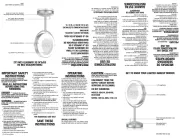
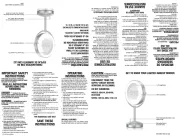
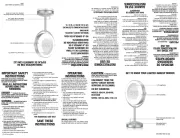
1. Remove all packing materials.
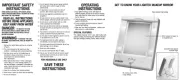
2. Install the 2 AA batteries (not included) in the
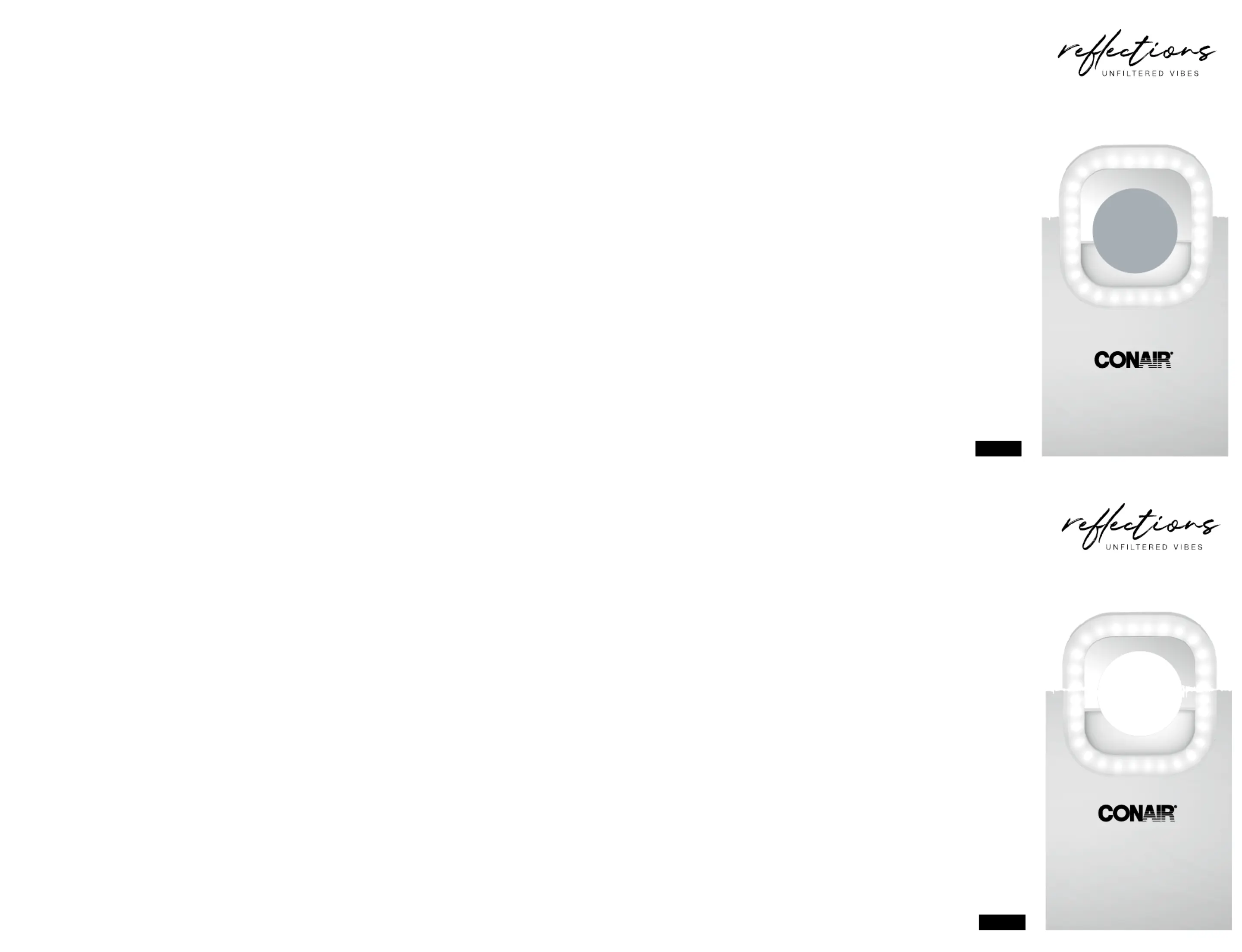
3. Clip selfie light onto your cell phone or computer
screen. Make sure that the light does not cover
4. Move the button upward to choose the desired
light setting (Cool/Warm/Combo) to enhance your
5. Mirror gives you a glimpse of your look.
6. T o turn off, slide the button all the way down.
1. Slide button upward once for Cool light setting.
2. Slide button upward twice for Warm light setting.
3. Slide button upward three times for Combo light
4. Slide button all the way do wn to turn off before
1. This product requires 2 AA alkaline batteries.
2. Since batteries are sensitive to high
temperatures, when storing them, keep in a
3. Battery contacts need to be clean, both on the
battery and in the appliance, before installation.
4. Batteries should be removed from the appliance
when not being used for long periods of time
5. Never recharge non-rechargeable batteries.
6. Be careful and install (+) and (-) on battery to
the correct plus and minus on device.
7. Replace all old batteries at one time. Do not mix
old and new. Do not mix alkaline, standard
(carbon-zinc) and rechargeable (nickel-
8. Remove discharged batteries immediately to
9. Do not use with rechargeable batteries.
10. Never put batteries into a fire.
11. Switch off device after use.
12. Keep batteries away from children, especially
the batteries that are small enough to ingest.
13. If a battery is ingested, seek immediate
14. Never open, crush, puncture or disassemble
15. Dispose of batteries according to any state and
16. Do not dispose of rechargeable batteries as
Batteries contain various materials that must
be recycled and disposed of properly. Do not
dispose of batteries in the municipal waste
1. Clean unit by wiping with soft, dry cloth.
2. Do not wash the unit with water.
3. Do not use abrasive cleaners for cleaning.
LIMITED ONE-YEAR WARRANTY
Conair will repair or replace (at our option) your unit
free of charge for 12 months from the date of
purchase if the appliance is defective in workmanship
To obtain service under this warranty, return the
defective product to the service center listed,
together with your purchase receipt. California
residents need only provide proof of purchase and
should call 1-800-3-CONAIR for shipping
instructions. In the absence of a purchase receipt,
the warranty period shall be 12 months from the
ANY IMPLIED WARRANTIES, OBLIGATIONS, OR
LIABILITIES, INCLUDING BUT NOT LIMITED TO THE
IMPLIED WARRANTY OF MERCHANTABILITY AND
FITNESS FOR A PARTICULAR PURPOSE, SHALL BE
LIMITED IN DURATION TO THE 12-MONTH
DURATION OF THIS WRITTEN, LIMITED WARRANTY.
Some states do not allow limitations on how long an
implied warranty lasts, so the above limitations may
IN NO EVENT SHALL CONAIR BE LIABLE FOR ANY
SPECIAL, INCIDENTAL, OR CONSEQUENTIAL
DAMAGES FOR BREACH OF THIS OR ANY OTHER
WARRANTY, EXPRESS OR IMPLIED, WHATSOEVER.
Some states do not allow the exclusion or limitation
of special, incidental, or consequential damages, so
the above limitation may not apply to you. This
warranty gives you specific legal rights, and you may
also have other rights, which vary from state to
Please register this product at:
www.conair.com/registration
For info on any Conair product, call 1-800-3-CONAIR
or visit us on the web at www.conair.com
7475 N. Glen Harbor Blvd.
AL USAR APARATOS ELÉCTRICOS,
ESPECIALMENTE EN PRESENCIA DE NIÑOS,
SIEMPRE DEBE TOMAR PRECAUCIONES
BÁSICAS DE SEGURIDAD, ENTRE ELLAS LAS
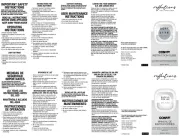
1. Retire todo el material de embalaje.
2. Instale 2 pilas AA (no incluidas) en el
compartimiento de las pilas.
3. Fije el espejo con luz para selfies a su teléfono
móvil o a la pantalla de su computadora/tableta.
Cerciórese de no cubrir la cámara del teléfono o
de la computadora/tableta con el espejo.
4. Deslice el botón de control de la luz hacia arriba
para elegir la opción deseada (fría/cálida/
combinación) para mejorar su imagen.
5. El espejo le muestra cómo se ve.
6. Para apagar, deslice el botón completamente
1. Deslice el botón hacia arriba una vez para elegir
2. Deslice el botón hacia arriba dos veces para
elegir la opción “luz cálida”.
3. Deslice el botón hacia arriba tres veces para
elegir la opción “combinación de luz fría/
4. Deslice el botón completamente hasta abajo
para apagar la luz antes de guardar la unidad.
ACERCA DEL USO DE LAS PILAS
1. Este producto requiere 2 pilas alcalinas AA.
2. Guarde las pilas en un lugar fresco y seco, ya
que son sensibles a las altas temperaturas.
3. Limpie los contactos de las pilas y los del
aparato antes de instalarlas.
4. Retire las pilas del aparato cuando no lo va a
usar por largos períodos de tiempo (meses).
5. Nunca intente recargar pilas no recargables.
6. Cerciórese de instalar las pilas de acuerdo con
signos de polaridad (+/-) indicados en el
compartimiento de las pilas.
7. Reemplace todas las pilas al mismo tiempo. No
junte pilas nuevas con pilas usadas/gastadas.
NO junte pilas alcalinas con pilas regulares
(carbono-zinc) con pilas recargables (níquel-
8. Retire las pilas descargadas inmediatamente
9. No use este producto con pilas/baterías
10. Nunca tire las pilas al fuego.
11. Apague la unidad después del uso.
12. Mantenga las pilas fuera del alcance de los
niños de los niños, especialmente las pilas que
son lo suficientemente pequeñas como para
13. En caso de ingestión de una pila, busque
atención médica inmediata.
14. Nunca abra, aplaste, perfore ni desarme pilas.
15. Deseche las pilas de acuerdo con las
regulaciones estatales y locales.
16. No tire las pilas/baterías recargables con el
Las pilas contienen materiales que deben
reciclarse según las leyes vigentes. No las tire
con el resto de la basura.
1. Limpie la unidad con paño suave seco.
2. No lave la unidad con agua
3. No use limpiadores abrasivos para limpiar la
GARANTÍA LIMITADA DE UN AÑO
(VÁLIDA EN LOS EE.UU. Y EN
Conair reparará o remplazará (a su opción) este
producto sin cargo por un período de 12 meses a
partir de la fecha de compra si presenta defectos
de fabricación o materiales.
Para obtener servicio técnico bajo esta garantía,
devuelva el producto defectuoso al Centro de
Servicio indicado a continuación, junto con su
recibo de compra. Los residentes de California
solo necesitan dar una prueba de compra y deben
llamar al 1-800-3-CONAIR para recibir
instrucciones de envío. En ausencia del recibo de
compra, el período de garantía será de 12 meses
a partir de la fecha de fabricación.
CUALQUIER GARANTÍA, OBLIGACIÓN O
RESPONSABILIDAD IMPLÍCITAS, INCLUYENDO,
PERO NO LIMITADAS A LA GARANTÍA IMPLÍCITA
DE COMERCIABILIDAD Y APTITUD PARA UN
PROPÓSITO ESPECÍFICO, ESTARÁN LIMITADAS
POR LOS 12 MESES DE LA PRESENTE GARANTÍA
Algunos Estados no permiten limitaciones en la
duración de una garantía implícita, de modo que
las limitaciones mencionadas pueden no regir para
CONAIR NO SERÁ RESPONSABLE, EN NINGÚN
CASO, POR NINGÚN DAÑO ESPECIAL,
INCIDENTAL O CONSECUENTE DEBIDO AL
INCUMPLIMIENTO DE ESTA O CUALQUIER OTRA
GARANTÍA, EXPRESA O IMPLÍCITA. Algunos
Estados no permiten la exclusión o limitación de
daños especiales, incidentales o consecuentes, de
modo que las limitaciones mencionadas pueden
no regir para usted. Esta garantía le otorga
derechos legales específicos y usted puede tener
otros derechos que varían de un Estado a otro.
Para registrar este producto, visítenos en:
www.conair.com/registration
Para más información sobre los productos Conair
llame al 1-800-3-CONAIR o visítenos en
7475 N. Glen Harbor Blvd.