Goldtouch Adjustable V2 Manual
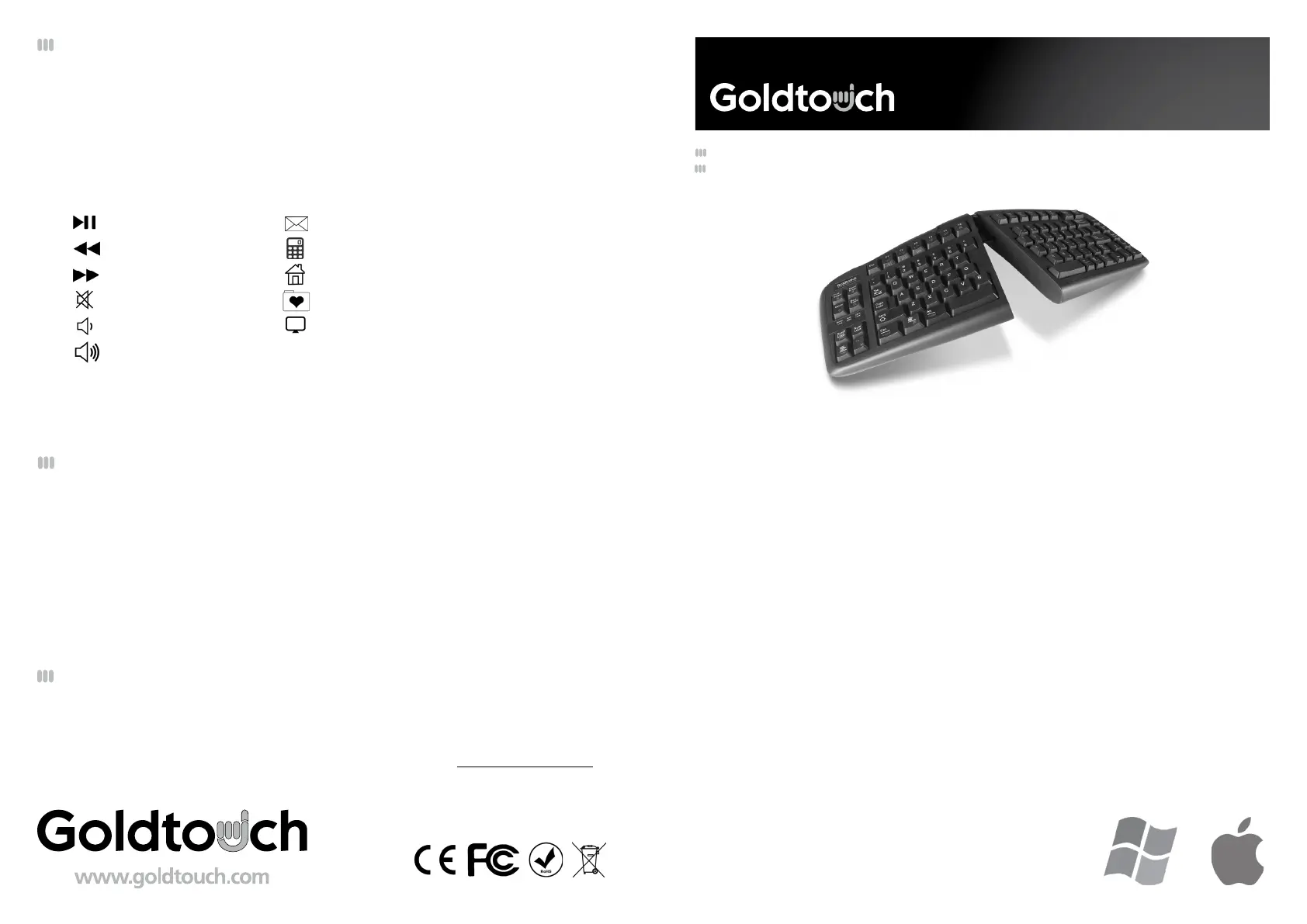
Goldtouch Tastatur Adjustable V2

Læs gratis den danske manual til Goldtouch Adjustable V2 (2 sider) i kategorien Tastatur. Denne vejledning er vurderet som hjælpsom af 2 personer og har en gennemsnitlig bedømmelse på 4.2 stjerner ud af 1.5 anmeldelser. Har du et spørgsmål om Goldtouch Adjustable V2, eller vil du spørge andre brugere om produktet?

Side 1/2
V2 Adjustable Keyboard
GTN-0099 GOLDTOUCH V2 ADJUSTABLE KEYBOARD - PC ONLY - USB & PS2
GTU-0088 GOLDTOUCH V2 ADJUSTABLE KEYBOARD - PC & MAC - USB
You’re about to join the hundreds of thousands of people who’ve traded in their OEM keyboards
for the most innovative, comfortable ergonomic keyboards ever designed.
The technology behind the Goldtouch ergonomic keyboard is one that recognizes the unique
needs of every individual, which vary according to body type, height, weight, shoulder width,
hand position, and other health and lifestyle factors. Goldtouch believes that ergonomic
keyboards should t the individual, not force the individual to conform to the keyboard.
Utilizing our patented ball and lever locking mechanism, our Goldtouch V2 Adjustable Keyboard
oers you personalized adjustments for customized comfort that can signicantly improve
personal productivity and mitigate the risks associated with computer-related repetitive strain
injuries.
From the quality of our components to driver-free setup; every Goldtouch keyboard is designed
for business. Every Goldtouch keyboard is created to enhance your personal productivity and
deliver a speedy return on investment.
We thank you for your purchase and wish you years of personal comfort and productivity.
Congratulations on your purchase of a Goldtouch V2 Adjustable Keyboard.
© 2013 Key Ovation, LLC. All rights reserved.
Goldtouch, the Goldtouch logo and Productivity
through Prevention® are registered trademarks of
Key Ovation, LLC. All other trademarks are copyright
their respective owners. All rights reserved.
As mobile devices continue to expand in the marketplace, the Goldtouch V2 will endeavor
to support all possible devices through compliance with hardware standards. To
obtain support, download guides, and to learn about additional ergonomic and mobile
ergonomic products from goldtouch, please visit our website at: www.goldtouch.com.
Device Support
FN - Function Features
To activate the FN (Function) features on your Goldtouch V2 Adjustable Comfort Keyboard,
press the FN key. A dark orange FN indicator light will appear in the Status Bar on the left
side of your keyboard when the FN function is enabled. When FN is turned on, youre free
to utilize the following Function Features, outlined in blue (for PC) and yellow (for Mac),
without having to hold down the FN key:
Play/Pause
Rewind
Fast Forward
Mute
Volume Down
Volume Up
Email
Calculator
Home Screen
Favorites Folder
My Computer
Windows & Mac
FN Features
Windows Only
FN Features
User Manual
Mac users only - Press/Enable the Function Key (FN) feature when selecting Play, Fast Forward, and
Rewind on the keyboard’s home Function Row. The other yellow keys (such as Eject, Volume Up,
Volume Down, Power) are all native Mac functions, and do not need to be used in conjunction with
the Function key.
Keyboard Status Bar
FN Indicator Light Guide:
Dark Orange Light- FN Feature is Engaged. Function Row Features are engaged.
Light Orange Light- FN Feature and Num Lock are enabled. Embedded Numeric Keypad
is engaged.
Green Light- Num Lock Feature is Enabled, but FN Fuction is o. The Embedded Numeric
Keypad will not work unless Function (FN) is also enabled. In order for the Num Lock
feature to work it must be used in conjunction with the FN feature. The status bar
light will appear light orange when both features are engaged.


Produkt Specifikationer

Mærke: Goldtouch
Kategori: Tastatur
Model: Adjustable V2

Har du brug for hjælp?

Hvis du har brug for hjælp til Goldtouch Adjustable V2 stil et spørgsmål nedenfor, og andre brugere vil svare dig