Overview And Uses
RGB4X-R
HDTV
4X1 Wideband
Component Video
Switcher
With IR Remote Control
& RS-232 Serial Option
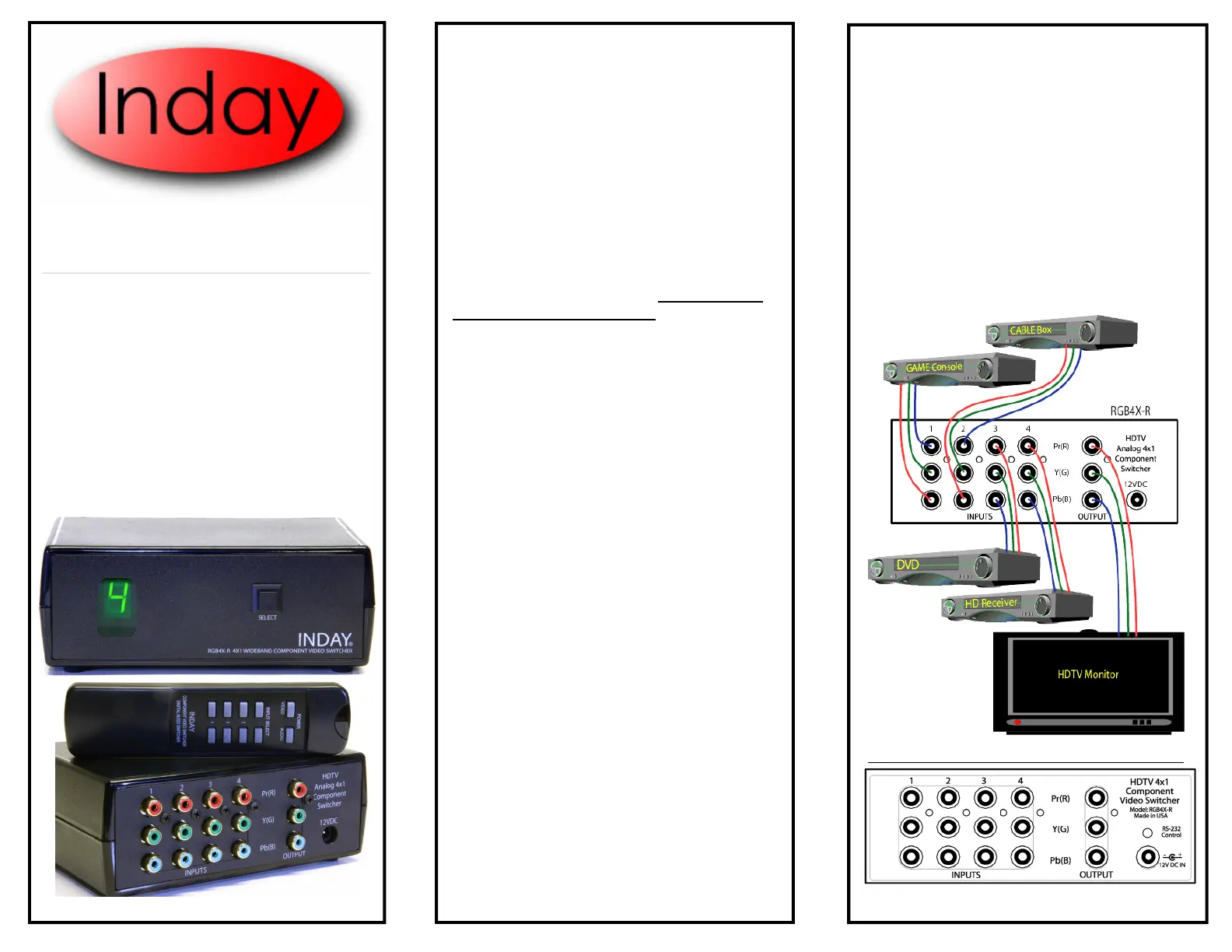
Figure 2 - Component Video Switching
Figure 1 -Connectors
Multimedia Accessories
www.inday.com
Setup
Connect your sources, such as HDTV Receivers and
DVD Players to the Inputs of the RGB4X.
Connect the Output of the RGB4X to the input of the
Display or other destination.
Note :
Most newer HDTV monitors are capable of sensing
what scan rate is being sent to it and will switch cor-
rectly. I most cases it’s either 480-progressive scan
(480P) or 1080-Interlaced (1080I). If your mixing
scan rates, you should verify that the monitor will
synchronize correctly to these inputs without having
reconfigure the Monitor setup. Please do this before
you connect the RGB4X
The RGB4X-R is a 4-Input to 1-Output wide-
band, three channel component video
switcher. Designed to enable switching of
HDTV or DVD progressive scan component
video to ONE destination. All Scan formats
are supported, including 480i, 480P, 720P,
1080i and 1080P.
With the large amount of money invested in
your Home Theater system these days, you
want to be sure that anything you install will
not degrade the final picture. This device will
not compromise your system. The RGB4X is
designed with only the best Switching IC’s and
High Current Video drivers available. We
don’t use mechanical relays or switches which
can eventually wear out. The RGB4X-R out-
put is capable of driving very long cable
lengths ( up to 100 meters) without degrada-
tion.
There are 3 ways to control the RGB4X-R.
1– Front Panel Switch for cycling th
rough the
inputs. Each press advances the input.
2– IR Remote Control for direct selection of
desired input. Visit www.inday.com to
download “Universal” remote configuration
files, such as the Philips Pronto ™.
3- RS-232 Serial Port (optional) for direct com-
puter control and status. Useful for integrating
into advanced automated systems. See “RS-
232 Control” section for further information.
Although primarily used for expanding the in-
put selection of HDTV Monitors, this switcher
can also be used to switch any type of Analog
video including.
- HDTV Analog RGB/YPbPr signals.
- Standard Def. Analog RGB/YPbPr/Betacam
- Component DVD, Progressive or Interlaced.
- Composite Video (NTSC)
- SPDIF Digital Audio (PCM/AC3/DTS)