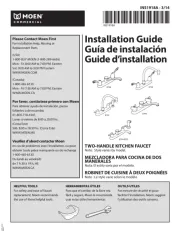
Moen Weymouth S73004EV2C Manual

Moen Vandhane Weymouth S73004EV2C

Læs gratis den danske manual til Moen Weymouth S73004EV2C (2 sider) i kategorien Vandhane. Denne vejledning er vurderet som hjælpsom af 3 personer og har en gennemsnitlig bedømmelse på 4.8 stjerner ud af 2 anmeldelser. Har du et spørgsmål om Moen Weymouth S73004EV2C, eller vil du spørge andre brugere om produktet?
Side 1/2
The Moen
®
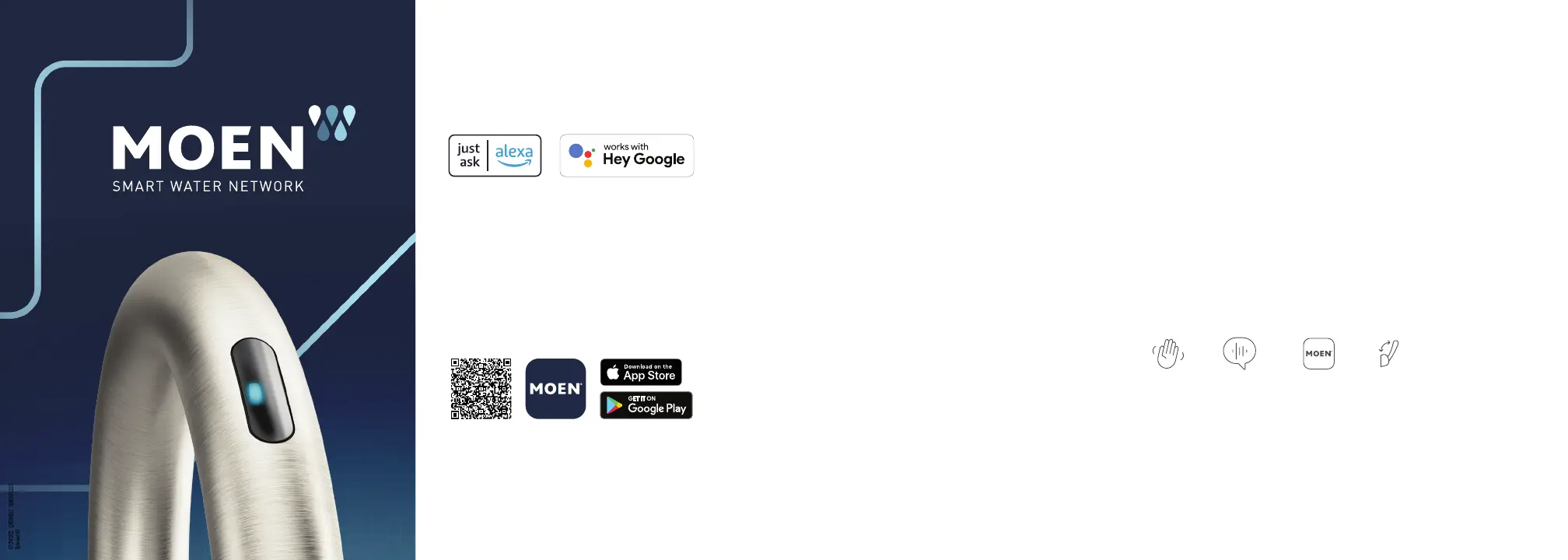
Smart Faucet is designed to work with your homes smart assistant.
In order to use all of its features, including voice control, there are several key steps you
must take after the faucet is installed. Find instructional videos and guides in the Moen
Smart Water App or at moen.com. Complete installation instructions included in the box.
ENABLE
SMART FEATURES
DOWNLOAD THE APP
Download and connect the Moen Smart Water
App to activate Motion Control by scanning the
QR code below or on your preferred app store.
GUIDED SET-UP
Use the app to guide you through registering your device,
installing the faucet and connecting it to your wireless
Internet network.
GET STARTED
Control water temperature and flow using the sensor
*
,
your voice, the app or the handle.
**
Use a voice command such as “Alexa, ask Moen to run water
at 97 degrees” or “Hey Google, ask Moen to pour one cup of water.
Program a custom preset into the app, and try it out for yourself.
Consider creating a preset for your coffee pot, water bottle or a
favorite recipe.
The app will help you:
Link your faucet to your Amazon Alexa or
Google Home account in order to use voice controls
Learn how to add a custom preset
Customize the settings to your preferences
Don’t have a smart assistant? That’s ok too. You can still use the faucet with the sensor
*
, the handle
**
or the app.
*Flow and temperature control in Smart Faucet with Motion Control models only
**Where applicable
Voice assistant device sold separately
STEP 1 STEP 2 STEP 3
© 2022 Moen Incorporated | MAIN22-0588 | QSG00012_V2. Amazon, Alexa and all related logos are trademarks of Amazon.com, Inc. or its affiliates. Apple and the Apple logo are registered trademarks of Apple Inc. Google is a trademark of Google LLC.
Touchless sensor* Voice control Moen Smart Water App Handle**


Produkt Specifikationer

Mærke: Moen
Kategori: Vandhane
Model: Weymouth S73004EV2C

Har du brug for hjælp?

Hvis du har brug for hjælp til Moen Weymouth S73004EV2C stil et spørgsmål nedenfor, og andre brugere vil svare dig


Vandhane Moen Manualer

Moen

Moen Nio S75005EV2C Manual

23 December 2025
Moen

Moen Arbor 7594EVC Manual

23 December 2025
Moen

Moen M-PRESS 8886 Manual

18 December 2024
Moen

Moen M-BITION 9922 Manual

18 December 2024
Moen

Moen M-BITION 9480 Manual

18 December 2024
Moen

Moen M-BITION 8810 Manual

26 November 2024
Moen

Moen M-BITION 8792 Manual

26 November 2024
Moen

Moen M-BITION 8820 Manual

26 November 2024

Vandhane Manualer

Nyeste Vandhane Manualer

Delta

Delta 15789LF Manual

21 December 2025
Delta

Delta 15840LF Manual

20 December 2025
Delta

Delta 15989LF Manual

20 December 2025
TOTO

TOTO Vivian TL220DD1H Manual

20 December 2025
TOTO

TOTO Upton TL630SDH12 Manual

18 December 2025
TOTO

TOTO Vivian TB220DD1 Manual

17 December 2025
TOTO

TOTO TLG02311U Manual

17 December 2025
TOTO

TOTO GO TLG01201U Manual

17 December 2025
TOTO

TOTO TLS04301U Manual

17 December 2025
TOTO

TOTO Vivian TL220DD1 Manual

16 December 2025