Speco Technologies VGABNC Manual


Læs gratis den danske manual til Speco Technologies VGABNC (2 sider) i kategorien Ikke kategoriseret. Denne vejledning er vurderet som hjælpsom af 16 personer og har en gennemsnitlig bedømmelse på 4.5 stjerner ud af 8.5 anmeldelser. Har du et spørgsmål om Speco Technologies VGABNC, eller vil du spørge andre brugere om produktet?
Side 1/2
1
V
V
G
G
A
A
B
B
N
N
C
C
– VGA to BNC Video Converter
Speco Technologies’ VGABNC VGA to BNC converter modifies your VGA signal for viewing on any standard
definition TV, projector, or any other device that uses a standard BNC connector. It also features a VGA
output that allows for VGA Loop-Through to simultaneously view video on a VGA monitor and CRT TV
monitor.
Features:
Connects your DVR with VGA output ports to older model TVs or CRT monitors.
Ideal for notebook computer users to easily connect and use a large-format monitor.
Video standards: NTSC/NTSC-EIAJ/PAL/PAL-M/PAL-N.
Resolutions support: 640 x 480 (up to 85 Hz), 800 x 600 (up to 85 Hz) and 1024 x 768 (up to 75 Hz).
Input port: VGA (DB15).
Dual output ports: composite video (BNC connector), VGA (DB15).
Image controls: Horizontal and vertical size, brightness, contrast, hue, saturation, sharpness and on screen
display background.
Simple and quick to install; Windows and Mac compatible.
No driver or operating system requirements; compatible with Windows and Mac computers.
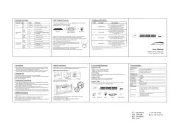
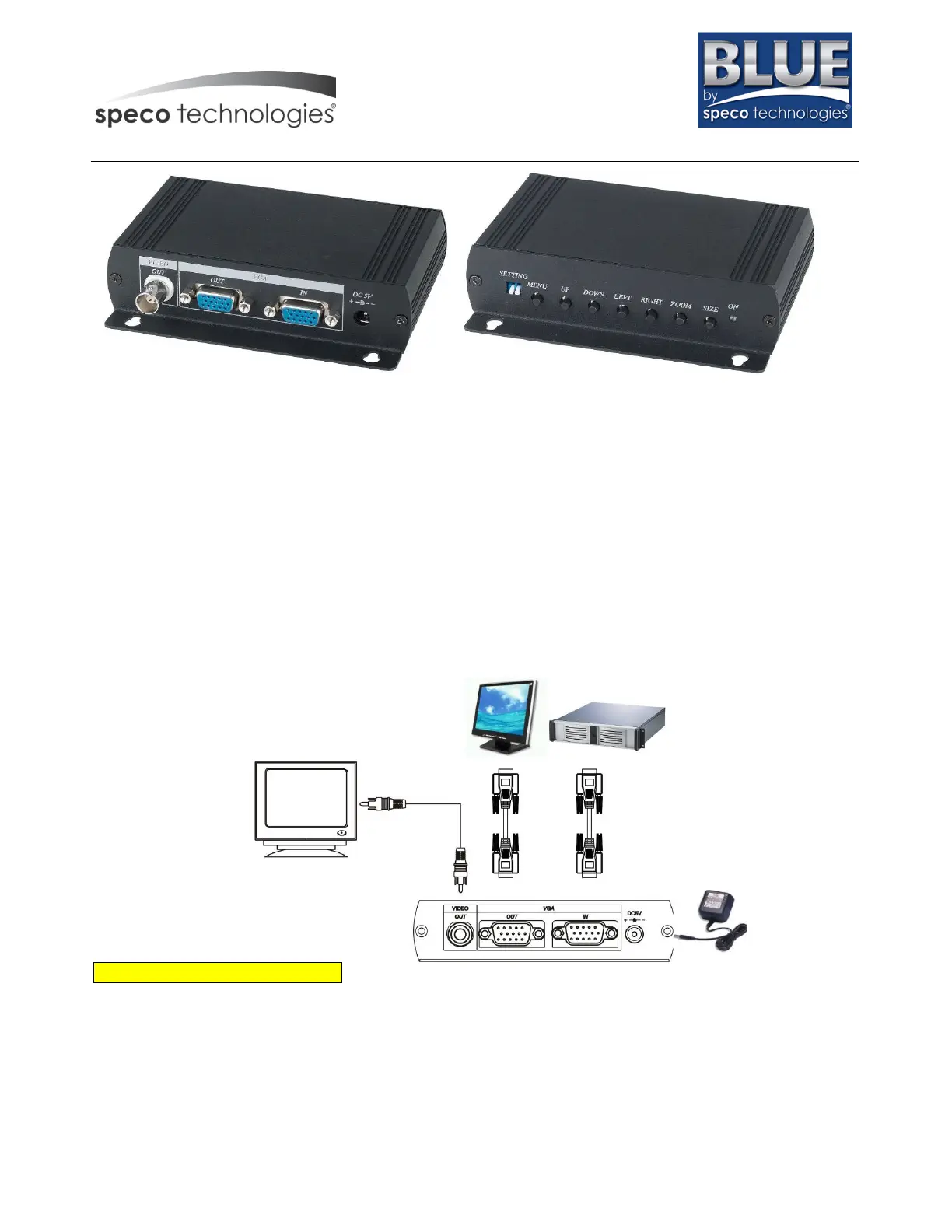
View of Connection and Installation:
On Screen Display Function
HSIZE
VSIZE
BRIGHTNESS
CONTRAST
HUE (This function for NTSC system only)
SATURATION
FLICK
SHARPNESS
OSD (on screen display)


Produkt Specifikationer

Mærke: Speco Technologies
Kategori: Ikke kategoriseret
Model: VGABNC

Har du brug for hjælp?

Hvis du har brug for hjælp til Speco Technologies VGABNC stil et spørgsmål nedenfor, og andre brugere vil svare dig