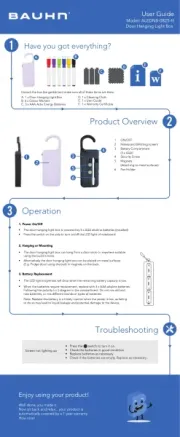
Screen not lighting up
•
Press the
switch to turn it on.
•
• Replace batteries as necessary.
Check the batteries in good condition.
Note: Replace the battery in a timely manner when the power is low, as failing
to do so may lead to liquid leakage and potential damage to the device.
When the batteries require replacement, replace with 3 x AAA alkaline batteries.
Following the polarity (+/-) diagram in the compartment. Do not mix old and
new batteries, or mix different brands or types of batteries.
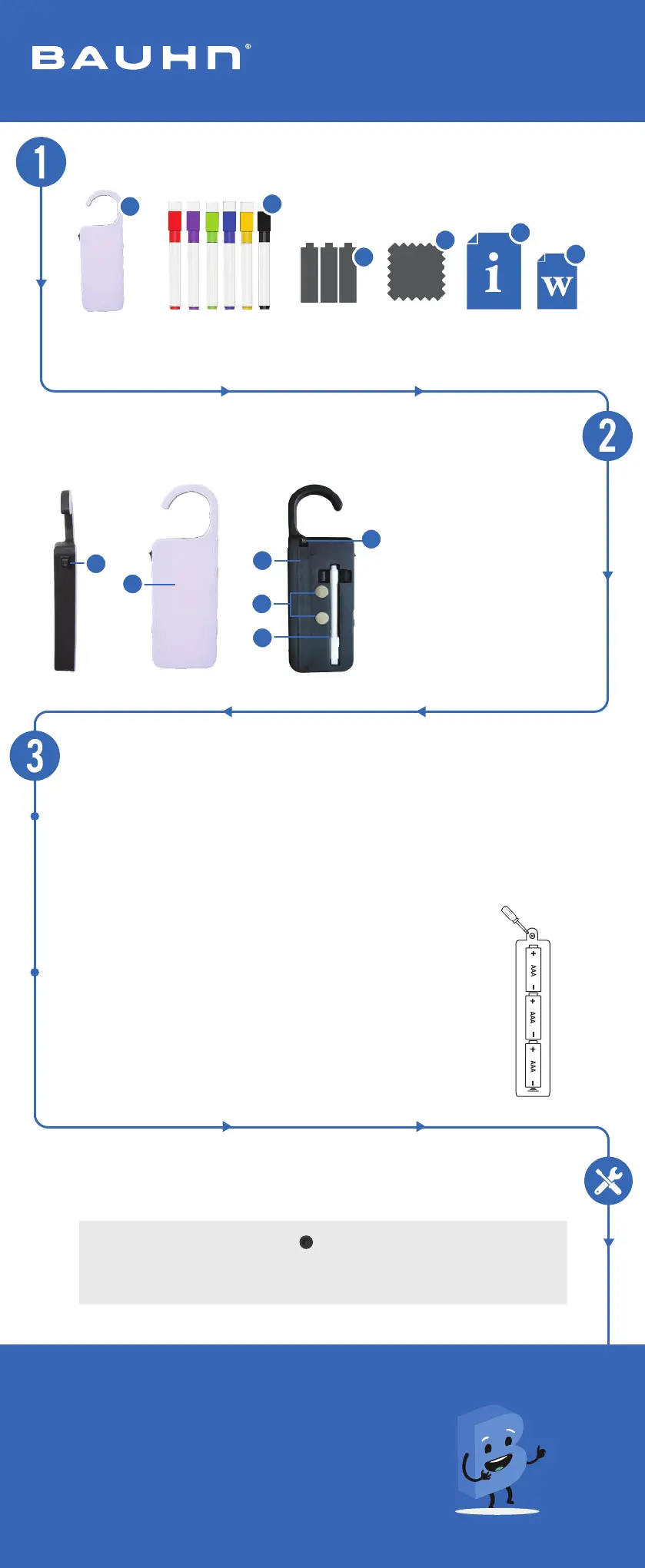
1. ON/OFF
2. Noteboard (Writting screen)
4. Security Screw
3. Battery Compartment
(3 x AAA)
5.
Magnets
(Attaching to metal surfaces)
6.
Pen Holder
Have you got everything?
Operation
Product Overview
Unpack the box (be gentle) and make sure all of these items are there:
A. 1 x Door Hanging Light Box
B. 6 x Colour Markers
C. 3 x AAA Activ Energy Batteries
1. Power On/Off
•
The door hanging light box is powered by 3 x AAA alkaline batteries (installed).
•
Press the switch on the side to turn on/off the LED light of noteboard.
3. Battery Replacement
•
• The LED light brightness will drop when the remaining battery capacity is low.
2. Hanging or Mounting
•
The door hanging light box can hang from a door knob or anywhere suitable
using the build in hook.
•
Alternatively the door hanging light box can be placed on metal surfaces
(E.g. Fridge door) using the built in magnets on the back.
D. 1 x Cleaning Cloth
F.
E. 1 x User Guide
Troubleshooting
E
F
Model: ALEDNB-0825-H
Door Hanging Light Box
B
A
C
6
5
3
3
3
4
2
1
Enjoy using your product!
Well done, you made it.
Now sit back and relax... your product is
automatically covered by a 1-year warranty.
How nice!
D
1 x Warranty Certificate
User Guide
• Check if the batteries are empty. Replace as necessary.