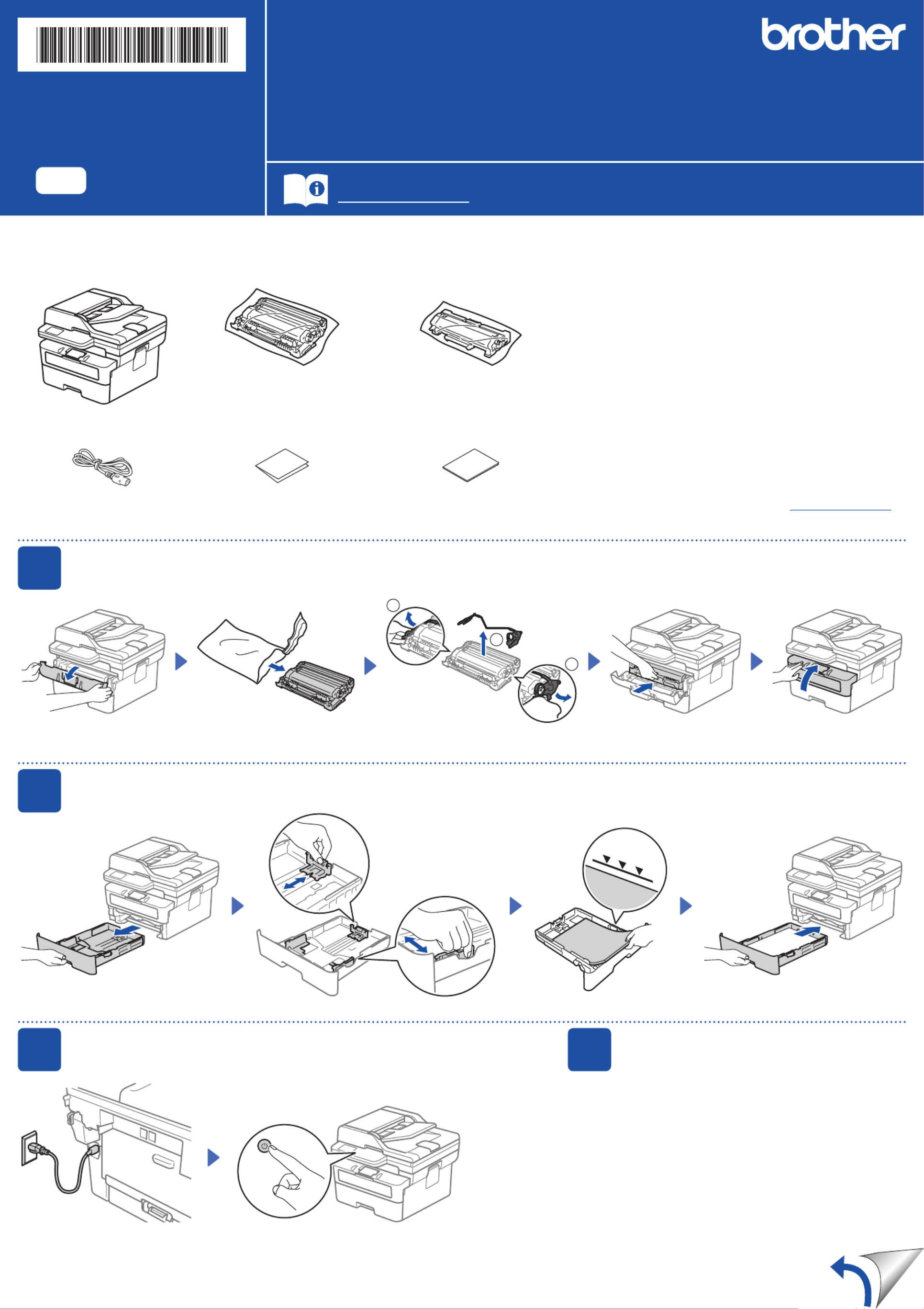
Brother MFC-L2860DWE Manual
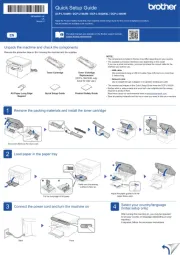
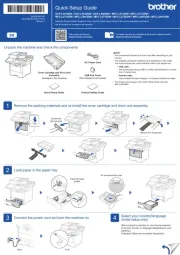
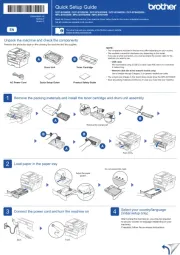
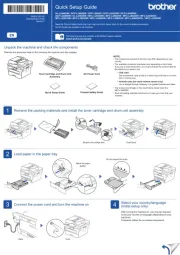
Læs gratis den danske manual til Brother MFC-L2860DWE (2 sider) i kategorien Faxmaskine. Denne vejledning er vurderet som hjælpsom af 20 personer og har en gennemsnitlig bedømmelse på 4.7 stjerner ud af 10.5 anmeldelser.
Har du et spørgsmål om Brother MFC-L2860DWE, eller vil du spørge andre brugere om produktet?
Produkt Specifikationer
| Mærke: | Brother |
| Kategori: | Faxmaskine |
| Model: | MFC-L2860DWE |
| Bredde: | 410 mm |
| Dybde: | 399 mm |
| Højde: | 319 mm |
| Vægt: | 11600 g |
| Produktfarve: | Sort |
| Kontroltype: | Berøring |
| Indbygget skærm: | Ja |
| Pakkevægt: | 14100 g |
| Pakkedybde: | 517 mm |
| Pakkebredde: | 580 mm |
| Pakkehøjde: | 434 mm |
| Wi-Fi: | Ja |
| USB-port: | Ja |
| Antal USB 2.0-porte: | 1 |
| Ethernet LAN: | Ja |
| Wi-Fi-standarder: | 802.11a, 802.11b, 802.11g, Wi-Fi 4 (802.11n) |
| Udskrivningsteknologi: | Laser |
| Maksimal opløsning: | 1200 x 1200 dpi |
| Udskrivningshastighed (sort, normal kvalitet, A4/amerikansk papirformat): | 34 sider pr. minut |
| Udskrivning: | Monoprint |
| Medietyper til papirbakke: | Recycled paper, Thicker paper, Thin paper, Plain paper, Envelopes, Labels, Thick paper |
| Maksimal ISO A-serie papirstørrelse: | A4 |
| ISO A-serie, størrelser (A0...A9): | A4, A6, A5 |
| ISO B-serie, størrelser (B0...B9): | B5 |
| Ikke-ISO udskriftsmedier størrelse: | 16K, Executive (184 x 267mm) |
| Kuverter størrelser: | DL, Com-10, Monarch, C5 |
| Medievægt på papirbakke: | 60 - 230 g/m² |
| Samlet antal inputbakker: | 1 |
| Samlet inputkapacitet: | 250 ark |
| Samlet outputkapacitet: | 120 ark |
| Scanner type: | ADF-scanner |
| Scanningsteknologi: | CIS |
| Optisk scanningsopløsning: | 1200 x 1200 dpi |
| Scanning: | Farvescanning |
| Kopiering: | Monokopiering |
| Maksimal kopiopløsning: | 600 x 600 dpi |
| Ethernet LAN-datahastigheder: | 10, 100 Mbit/s |
| Sikkerhedsalgoritmer: | WPA2-AES, 64-bit WEP, WPA2-PSK, 128-bit WEP, WPA3-SAE, WPA-AES, WPA-PSK, WPA-TKIP |
| Mobile udskrivningsteknologier: | Brother iPrint & Scan |
| Skærm: | LCD |
| Markedspositionering: | Hjemmekontor |
| Direkte udskrivning: | Ja |
| Strømforbrug (slukket): | 0.08 W |
| Strømforbrug (kopiering): | 490 W |
| Maksimal driftscyklus: | 2500 sider pr. måned |
| Udskrivning af farver: | Sort |
| Fax: | Monofaxing |
| Intern hukommelse: | 256 MB |
| Modemhastighed: | 33.6 Kbit/s |
| Fax-hukommelse: | 500 Sider |
| Kabelteknologi: | 10/100Base-T(X) |
| Duplex udskrivning: | Ja |
| Duplex udskrivningstilstand: | Automatisk |
| Brugerdefineret mediebredde: | 105 - 216 mm |
| Brugerdefineret medielængde: | 147 - 356 mm |
| Duplex-funktioner: | Udskriv |
| Antal printpatroner: | 1 |
| Wi-Fi Direct: | Ja |
| Strømforbrug (udskrivning): | 470 W |
| Lydtryksniveau (udskrivning): | 49 dB |
| Farveskærm: | Ja |
| Tid til første side (sort, normal): | 8.5 sek./side |
| Duplekskopiering: | Ingen |
| Duplex scanning: | Ingen |
| Sidebeskrivelsessprog: | BR-Script 3, PCL 6, PDF 1.7 |
| Strømforbrug (dvale): | 4.1 W |
| Sikker udskrivning: | Ja |
| N-op-udskrivning: | 2, 4 |
| Energy Star-typisk elektricitetsforbrug (TEC): | 0.39 kWh/uge |
| Lydtryksniveau (støvsvag tilstand): | 44 dB |
| Scan til: | E-mail, E-mail Server, File, Network folder |
| Automatisk dokumentføder (ADF) indgangskapacitet: | 50 ark |
| N-i-1 udskrivningsfunktion: | Ja |
| Strømforbrug (klar): | 43 W |
| JIS B-seriens størrelser (B0…B9): | B6, B5 |
| Udskrivning af vandmærke: | Ja |
| Automatisk dokumentføder (ADF): | Ja |
| Funktion til udskrivning af plakater: | Ja |
| Funktion til udskrivning af foldere: | Ja |
| Optisk scanningsopløsning (ADF): | 600 x 600 dpi |
Har du brug for hjælp?
Hvis du har brug for hjælp til Brother MFC-L2860DWE stil et spørgsmål nedenfor, og andre brugere vil svare dig
Faxmaskine Brother Manualer
Faxmaskine Manualer
- Welltech
- Acer
- Canon
- Panasonic
- Xerox
- Sharp
- Belgacom
- CIMSUN
- Ricoh
- Olivetti
- KPN
- OKI
- Sagemcom
- Sagem
- Samsung
Nyeste Faxmaskine Manualer