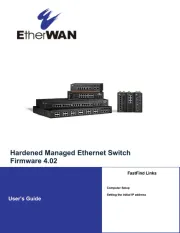
EtherWAN EX41941F Manual


Læs gratis den danske manual til EtherWAN EX41941F (2 sider) i kategorien Netværkskort/adapter. Denne vejledning er vurderet som hjælpsom af 14 personer og har en gennemsnitlig bedømmelse på 4.6 stjerner ud af 7.5 anmeldelser. Har du et spørgsmål om EtherWAN EX41941F, eller vil du spørge andre brugere om produktet?
Side 1/2
Copyright 2022 EtherWAN Systems, Inc. Page 1
All Rights Reserved
EX41941
8/2/2022
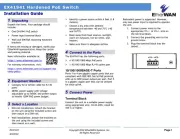
EX41941 Hardened PoE Switch
Installation Guide
Unpack the items. Your package should
include:
One EX41941 PoE switch
Power input terminal block
Wall and DIN-Rail mounting hardware
brackets
If items are missing or damaged, notify your
EtherWAN representative. Keep the carton
and packing material.
More information available at:
https://www.etherwan.com/us
For warranty information, visit:
https://www.etherwan.com/us/support/war
ranty-policy
2 Equipment Needed
Category 5e or better cable for RJ-45
ports
48VDC power supply with voltage
adjustable up to 56VDC and power output
to handle 120W PoE power budget.
3 Select a Location
DIN-rail installations: Attach the bracket
on the unit using the included screws and
then mount on a DIN-rail.
Wall installations: Attach the brackets on
the unit using the included screws and
then mount on a wall.
Identify a power source within 6 feet (1.8
meters).
Choose a dry area with ambient
temperature between -40 and 75ºC (-40
and 167ºF).
Keep away from heat sources, sunlight,
warm air exhausts, hot-air vents, and
heaters.
Make sure there is adequate airflow.
4 Connect to the Ports
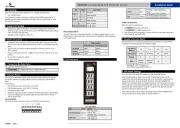
The EX41941 has the following ports:
4 10/100/1000 Mbps PoE ports
1 10/100/1000 Mbps RJ-45 uplink port
10/100/1000BASE-T Ports
Ports 1 to 4 are gigabit copper ports that are
compliant with IEEE 802.3af/at PoE protocol,
with up to 30W power output per port. Port 5
is a gigabit copper port that can be utilized
for data uplink.
5 Connect Power
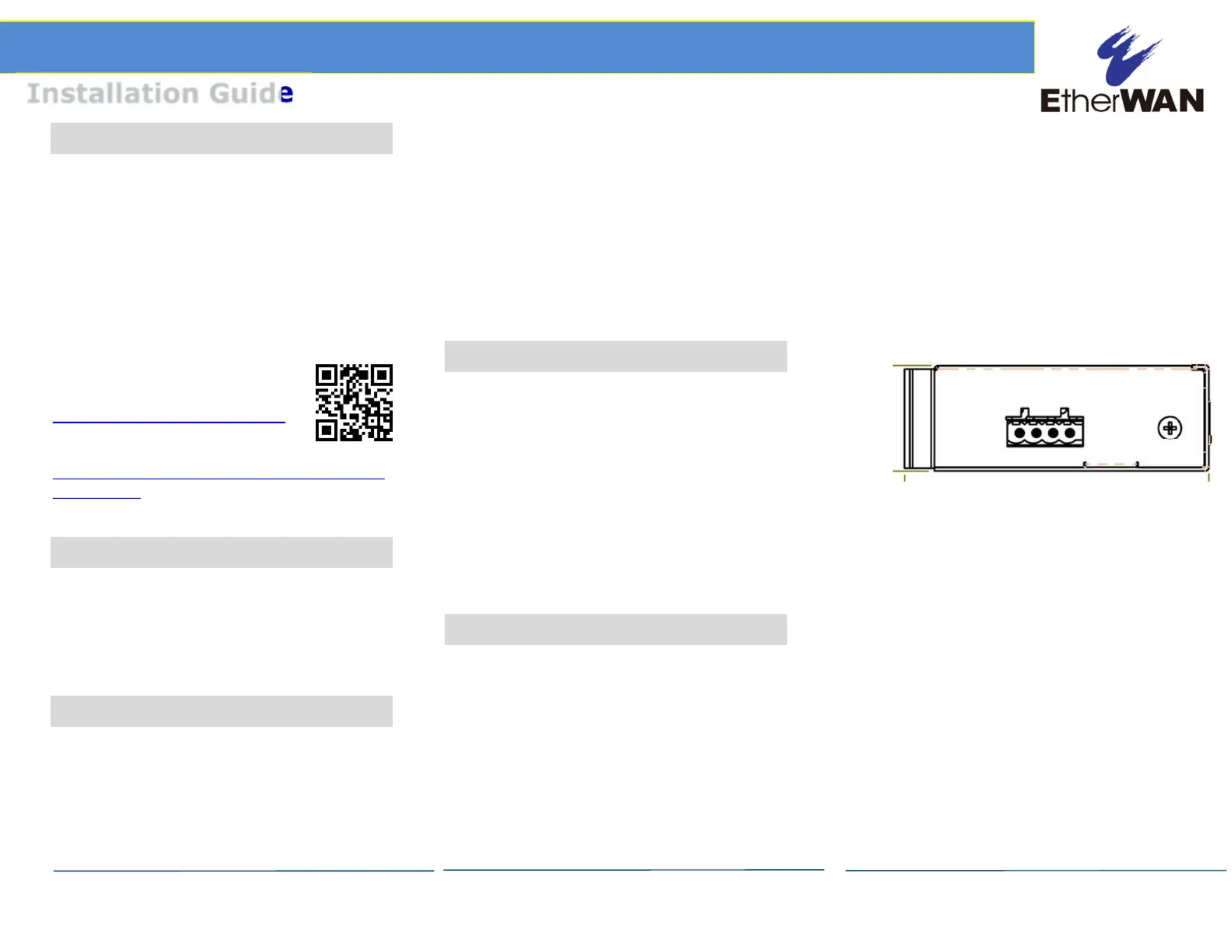
Terminal Block
Connect the unit to a suitable power supply
using appropriate wire, 18-24 AWG, rated for
105°C or higher.
Redundant power is supported. However,
only one power input is required to operate
the unit.
1. Connect power wires to the
appropriate V1+/- or V2+/- pins on
the terminal block.
2. Connect the grounding wire to the
ground screw.
3. Plug the terminal block into the
socket.
+V1- +V2-


Produkt Specifikationer

Mærke: EtherWAN
Kategori: Netværkskort/adapter
Model: EX41941F

Har du brug for hjælp?

Hvis du har brug for hjælp til EtherWAN EX41941F stil et spørgsmål nedenfor, og andre brugere vil svare dig


Netværkskort/adapter EtherWAN Manualer

Netværkskort/adapter Manualer

Nyeste Netværkskort/adapter Manualer

Lindy

Lindy 43340 Manual

18 December 2025
Planet

Planet ENW-2QSFP28 Manual

17 December 2025
Simply45

Simply45 S45-2012U Manual

7 December 2025
Approx

Approx APPUSB900 Manual

29 November 2025
D-Link

D-Link DWA-548 Manual

29 November 2025
EXSYS

EXSYS EX-62026POE Manual

28 November 2025
Digitus

Digitus DA-70852 Manual

28 November 2025
EXSYS

EXSYS EX-62010POE-SFP Manual

28 November 2025
D-Link

D-Link DWA-140 Manual

27 November 2025