Visit us at www.stauer.com
to learn more about the fantastic
benefits of owning a Stauer Watch!
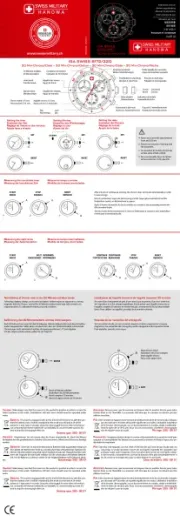
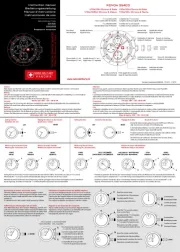
Locate the crown on your Stauer watch (part A)
and please note the two crown positions (1-2).
1. The crown in machine tightened and may
be a little difficult to loosen at first. Using
gentle force, unlock the crown (part A) by
turning it counterclockwise (toward you) 5 or
6 times until you feel the crown pop out on the
spring. The crown is now unlocked and in the
2. Rotate the crown 15 to 20 cycles while it is
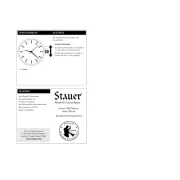
1. Pull the crown (part A) out to position “2”
and rotate it to the desired time.
2. Once the correct time is set, push the
crown back into “1” position.
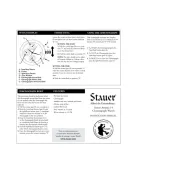
TO SET THE DATE DIAL (PART B)
1. Press the Date Selection Button (part B)
to advance the hand. The date will advance
one day at a time after each press of the
TO SET THE DAY DIAL (PART F)
1. Press the Day Selection Button (part E) to
advance the hand. The day will advance one
day at a time after each press of the button.
TO SET THE MONTH DIAL (PART G)
1. Press the Month Selection Button (part
H) to advance the hand. The month will
advance one month at a time after each press
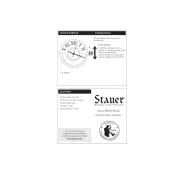
TO SET THE DATE DIAL (PART C)
1. Press the Date Selection Button (part B) to
advance the hand. The date will advance one
day at a time after each press of the button.
TO SET THE 24 HOUR DIAL (PART D)
1. The 24 hour Dial (part D) corresponds
to the hour hand and requires no additional
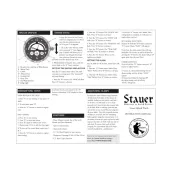
- Stainless steel case and back
- Month, date, day, and sun/moon subdials
- Pocket watch chain included
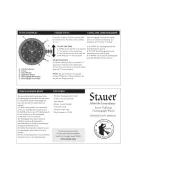
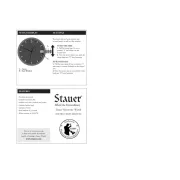
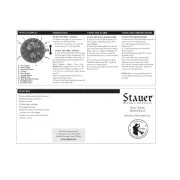
B - Date Selection Button
D - 24 Hour Day/Night Dial
H - Month Selection Button