Brother MFC-L2980DW Manual

Brother Printer MFC-L2980DW

Læs gratis den danske manual til Brother MFC-L2980DW (2 sider) i kategorien Printer. Denne vejledning er vurderet som hjælpsom af 44 personer og har en gennemsnitlig bedømmelse på 3.7 stjerner ud af 22.5 anmeldelser. Har du et spørgsmål om Brother MFC-L2980DW, eller vil du spørge andre brugere om produktet?
Side 1/2
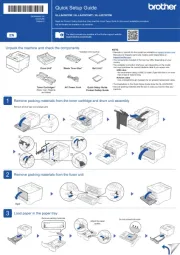
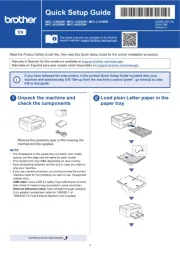
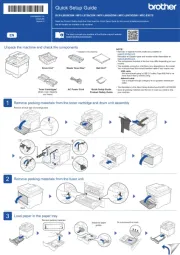
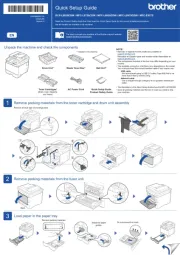
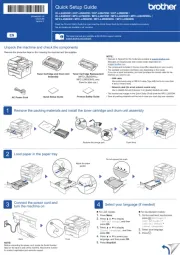
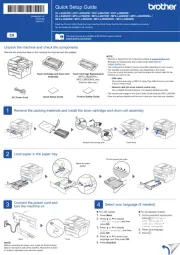
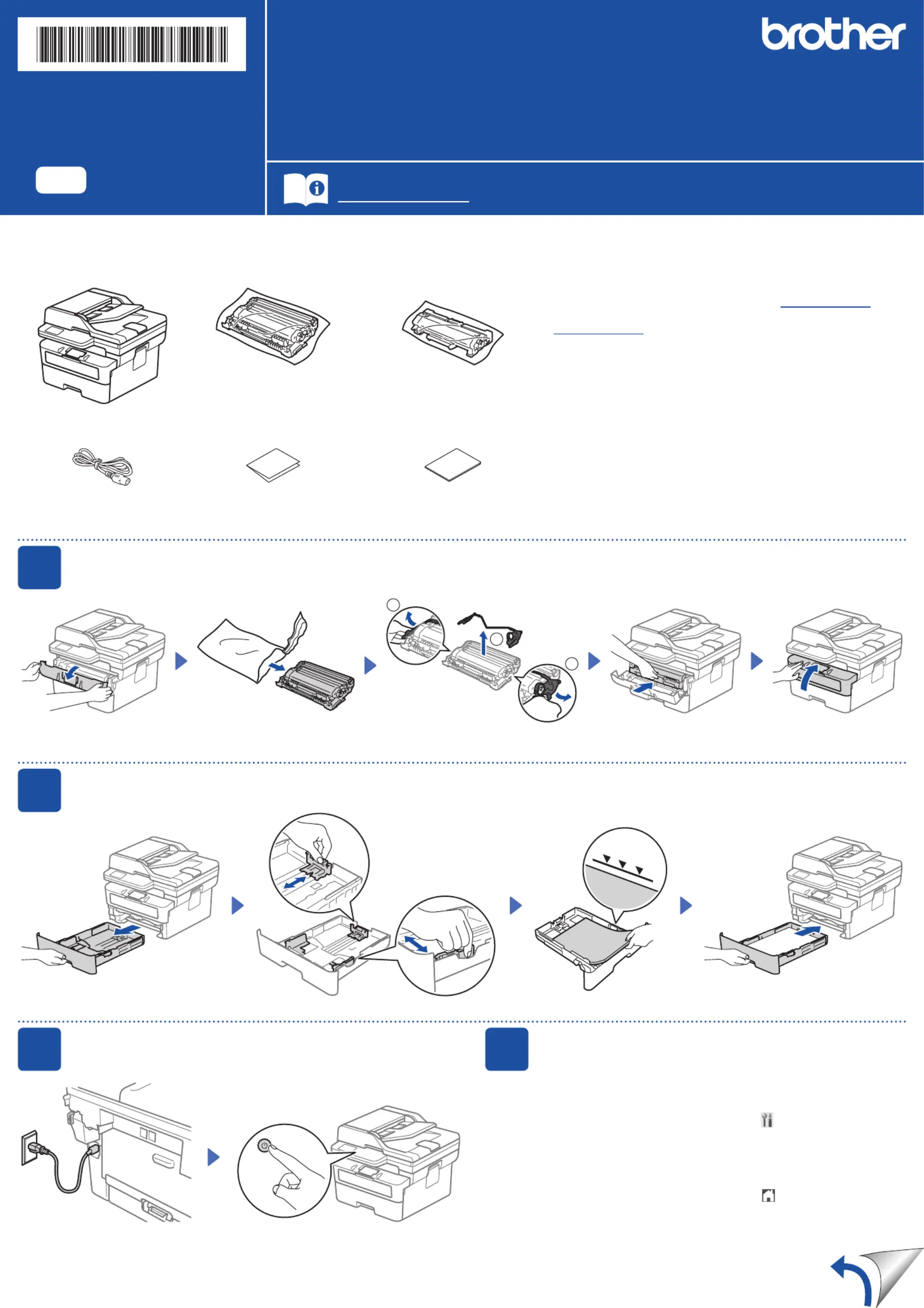
Unpack the machine and check the components
Toner Cartridge and Drum Unit
Assembly
Toner Cartridge Replacement
(MFC-L2820DWXL /
MFC-L2900DWXL only.
Save for later use.)
AC Power Cord
Product Safety Guide
1
Remove the packing materials and install the toner cartridge and drum unit assembly
2
Load paper in the paper tray
3
Connect the power cord and
turn the machine on
Back Front
NOTE:
Before connecting the power cord, locate the Serial Number
label on the back or side of the machine. Record this number
for product registration and warranty support.
NOTE:
•Manuals in Spanish for this model are available at support.brother.com.
Manuales en Español para este modelo están disponibles en
support.brother.com.
•The components included in the box may differ depending on your country.
•The available connection interfaces vary depending on the model.
If you use a wired connection, you must purchase the correct cable for the
interface you want to use.
• USB cable
We recommend using a USB 2.0 cable (Type A/B) that is no more than
6 feet (2 meters) long.
• Network cable (for wired network models only)
Use a straight-through Category 5 (or greater) twisted-pair cable.
•The screens and images in this show the MFC-L2820DW.Quick Setup Guide
•Save all packing materials and the box in case you must ship your machine.
4
Select your language (if needed)
For touchscreen models:
1. On the machines touchscreen,
press
[Settings] >
[All Settings] >
[Initial Setup] >
[Local Language].
2. Select your language.
3. Press .
Remove the orange part.
1
1
2
Push firmly.
Adjust the paper
guides.
Do not exceed this mark.
For LCD models:
1. Press .Menu
2. Press▲or▼todisplay
[Initial Setup], and then
press .OK
3. Press▲or▼todisplay
[Local Language], and then
press .OK
4. Press▲or▼toselectyour
language, and then press .OK
5. Press .Stop/Exit
Remove the protective tape or film covering the machine and the supplies.
Quick Setup Guide
Read the for the correct installation procedure.Product Safety Guide Quick Setup Guidefirst,thenreadthis
Not all models are available in all countries.
The latest manuals are available at the Brother support website:
support.brother.com/manuals
EN
HL-L2465DW / DCP-L2640DW / DCP-L2647DW / DCP-L2660DW /
HL-L2480DW / MFC-L2760DW / MFC-L2807DW / MFC-L2820DW / MFC-L2820DWXL /
MFC-L2880DW / MFC-L2900DW / MFC-L2900DWXL / MFC-L2980DW
D0346C001-00
USA/CAN
Version C


Produkt Specifikationer

Mærke: Brother
Kategori: Printer
Model: MFC-L2980DW

Har du brug for hjælp?

Hvis du har brug for hjælp til Brother MFC-L2980DW stil et spørgsmål nedenfor, og andre brugere vil svare dig


Printer Brother Manualer
Printer Manualer

Nyeste Printer Manualer

Dascom

Dascom Tally 2610+ Manual

5 December 2025
Avision

Avision AP233QN Manual

5 December 2025
CUSTOM

CUSTOM P3X Manual

5 December 2025
Avision

Avision AM233QW Manual

5 December 2025
Avision

Avision AM240AW Plus Manual

5 December 2025
Avision

Avision AM3321w Manual

4 December 2025
Avision

Avision AM4021w Manual

4 December 2025
Avision

Avision AM4332iw Pro Manual

4 December 2025
CUSTOM

CUSTOM Q3X Manual

4 December 2025