Manufacturer reserves the right to discontinue, or change at any time, specifications or designs without notice and without incurring obligations.
Catalog No. 04-53330025-01 Printed in U.S.A. Form 33CS-25SO Pg 1 8-11 Replaces: New
Part Number 33CSCNACHP-FC
Read and follow manufacturer instructions carefully. Fol-
low all local electrical codes during installation. All wiring
must conform to local and national electrical codes. Improper
wiring or installation may damage thermostat.
Recognize safety information. This is the safety alert sym-
bol . When the safety alert symbol is present on equipment
or in the instruction manual, be alert to the potential for person-
Understand the signal words DANGER, WARNING, and
CAUTION. These words are used with the safety alert symbol.
DANGER identifies the most serious hazards which will result
in severe personal injury or death. WARNING signifies a haz-
ard which could result in personal injury or death. CAUTION
is used to identify unsafe practices which would result in minor
personal injury or property damage.
Carrier's Comfort Pro non-programmable fan coil three-
speed fan operation thermostats are wall-mounted, low-voltage
thermostats which maintain room temperature by controlling
the operation of a heating and/or air conditioning system. This
fan coil model thermostat is capable of supporting fan coil
heat/cool, or heat only and cool only systems. A variety of fea-
tures are provided including battery operation, separate heating
and cooling set points, auto changeover, keypad lockout, and
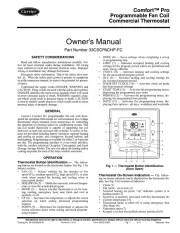
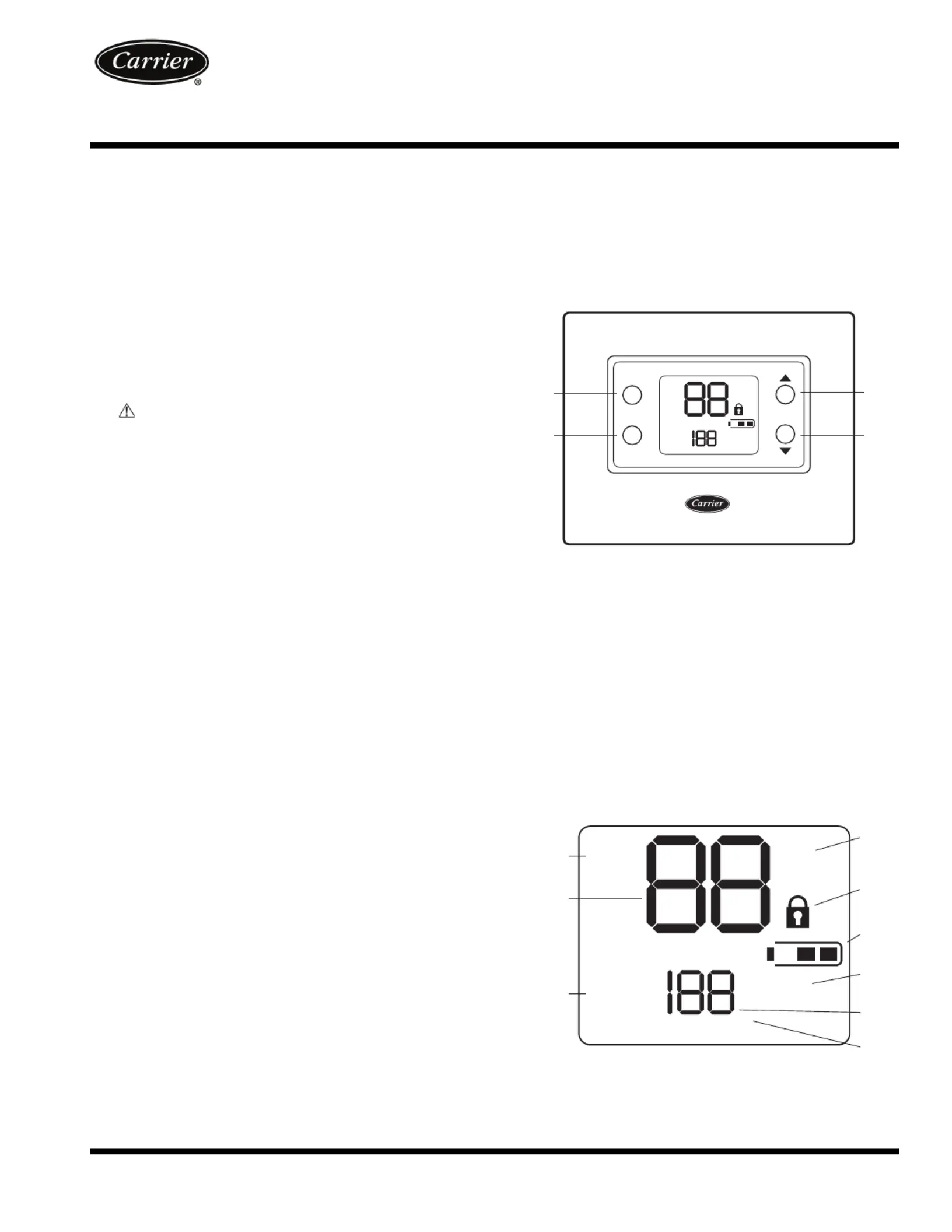
Thermostat Button Identification —
ing buttons are located on the thermostat display. See Fig. 1 for
• FAN (1) — Selects whether the fan operates at low
speed (F1), medium speed (F2), high speed (F3), or auto
(only when needed for heating and cooling when in
• MODE (2) — Selects whether thermostat is set for heat-
ing, cooling, emergency heat, auto (heat and cool as
• UP (3) — Increases the temperature or adjusts the screen
selection up when setting advanced features
• DOWN (4) — Decreases the temperature or adjusts the
screen selection down when setting advanced features
Thermostat On-Screen Indicators — The follow-
ing on-screen indicators can be displayed on the thermostat dis-
play. See Fig. 2 for location of indicators.
• Fan mode - on (F1, F2 and F3) or auto (1)
• Current temperature (2)
• Fahrenheit or Celsius units (4)
• Keypad is locked (no padlock means unlocked) (5)
• Battery strength indicator (6)
• Auxiliary heat (not used with this thermostat) (7)
• Second stage is active (cooling or heating if available)
Fig. 1 — Thermostat Button Identification
Fig. 2 — Thermostat On-Screen Indicators
Non-Programmable Fan Coil