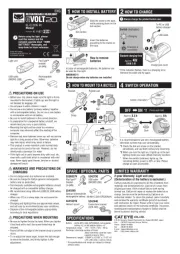
To PC or USB battery charger
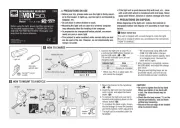
• Before your trip, please make sure the light is fi rmly mount-
ed to the bracket, it lights up, and the light is not blocked by
• Do not place it within children’s reach.
• Mounting the light unit too close to a wireless computer
may adversely affect the reading of the computer.
• In preparation for unexpected battery shutoff, we recom-
mend you carry a spare light.
• This product is water-resistant under normal daily use and
can be used in the rain. However, do not intentionally sub-
• If the light unit or parts become dirty with mud, etc., clean
with a soft cloth which is moistened with mild soap. Never
apply paint thinner, benzine or alcohol; damage will result.
When disposing of the light unit, remove the internal re-
chargeable battery and dispose of it according to local regu-
This unit is shipped with a small charge to check the light.
Be sure to charge it before use, according to the instructions
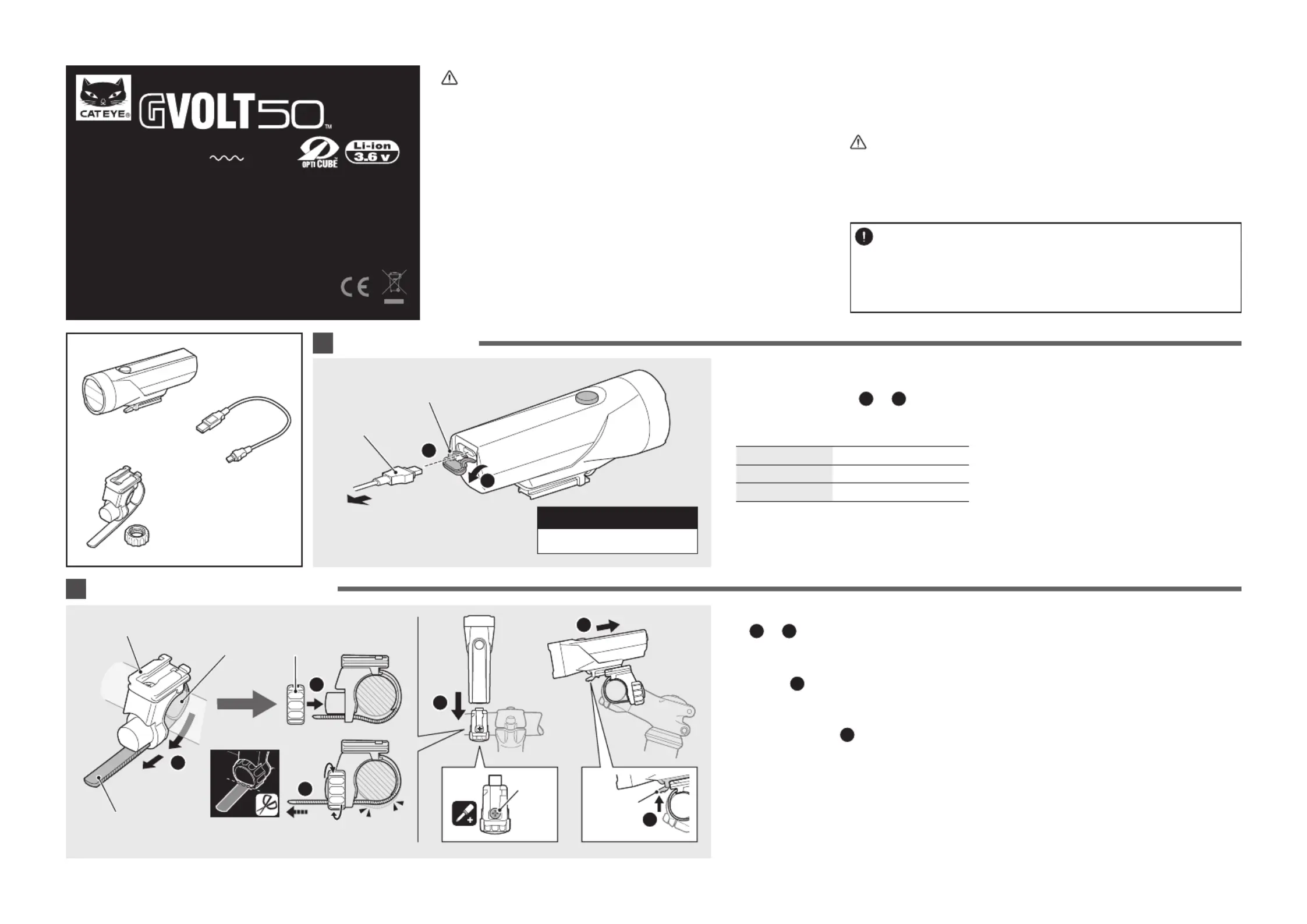
HOW TO MOUNT TO A BICYCLE
Copyright© 2016 CATEYE Co., Ltd.
Before using the light, please read this manual and
the included separate sheet “LITHIUM-ION / LITH-
IUM-ION POLYMER BATTERIES” thoroughly, and
keep them for future reference.
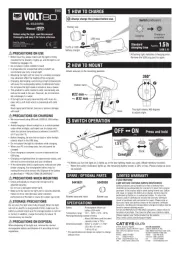
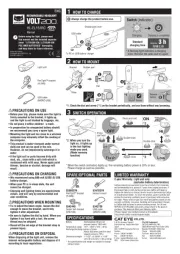
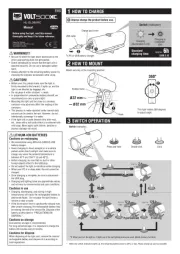
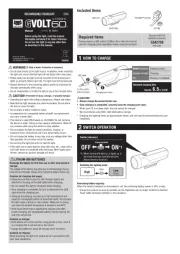
1. Connect the light unit to your PC or
a commercial USB battery charger us-
The switch indicator turns on and
Off Charging is completed
* When your PC is in sleep state, the
* We recommend using 500+mAh
(USB 2.0) USB battery charger.
* If the indicator fl ashes rapidly, there
is a charging error. Remove the
2. After charging is completed, remove
the USB cable, and install the charge
* Charging and lighting times are ap-
proximate values, and will vary by
environmental and user conditions.
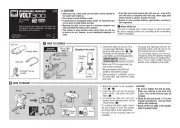
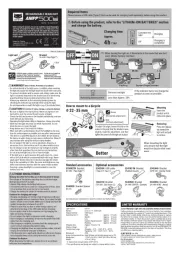
Mount the bracket to the handlebar.
2. Insert the light unit into the bracket
until it clicks, and adjust the beam
3. To remove the light unit, pull out it
forward while pressing down on the
* To re-adjust the beam angle, loosen
the dial enough to move the bracket,
and fi rmly tighten it after adjustment.
* The light can be mounted under the
• Be sure to tighten the dial by hand.
When you tighten it too hard with
a tool, the screw thread may be
• Check the dial and screw (*1) on the
bracket periodically, and use them
• Round off the cut edge of the bracket