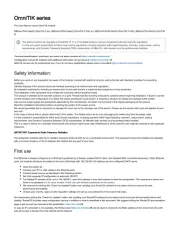
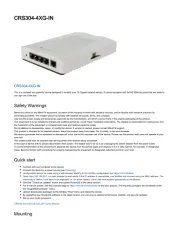
Mikrotik CRS109-8G-1S-2HnD-IN Manual

Mikrotik Ikke kategoriseret CRS109-8G-1S-2HnD-IN

Læs gratis den danske manual til Mikrotik CRS109-8G-1S-2HnD-IN (6 sider) i kategorien Ikke kategoriseret. Denne vejledning er vurderet som hjælpsom af 5 personer og har en gennemsnitlig bedømmelse på 4.8 stjerner ud af 3 anmeldelser. Har du et spørgsmål om Mikrotik CRS109-8G-1S-2HnD-IN, eller vil du spørge andre brugere om produktet?
Side 1/6
CRS-series
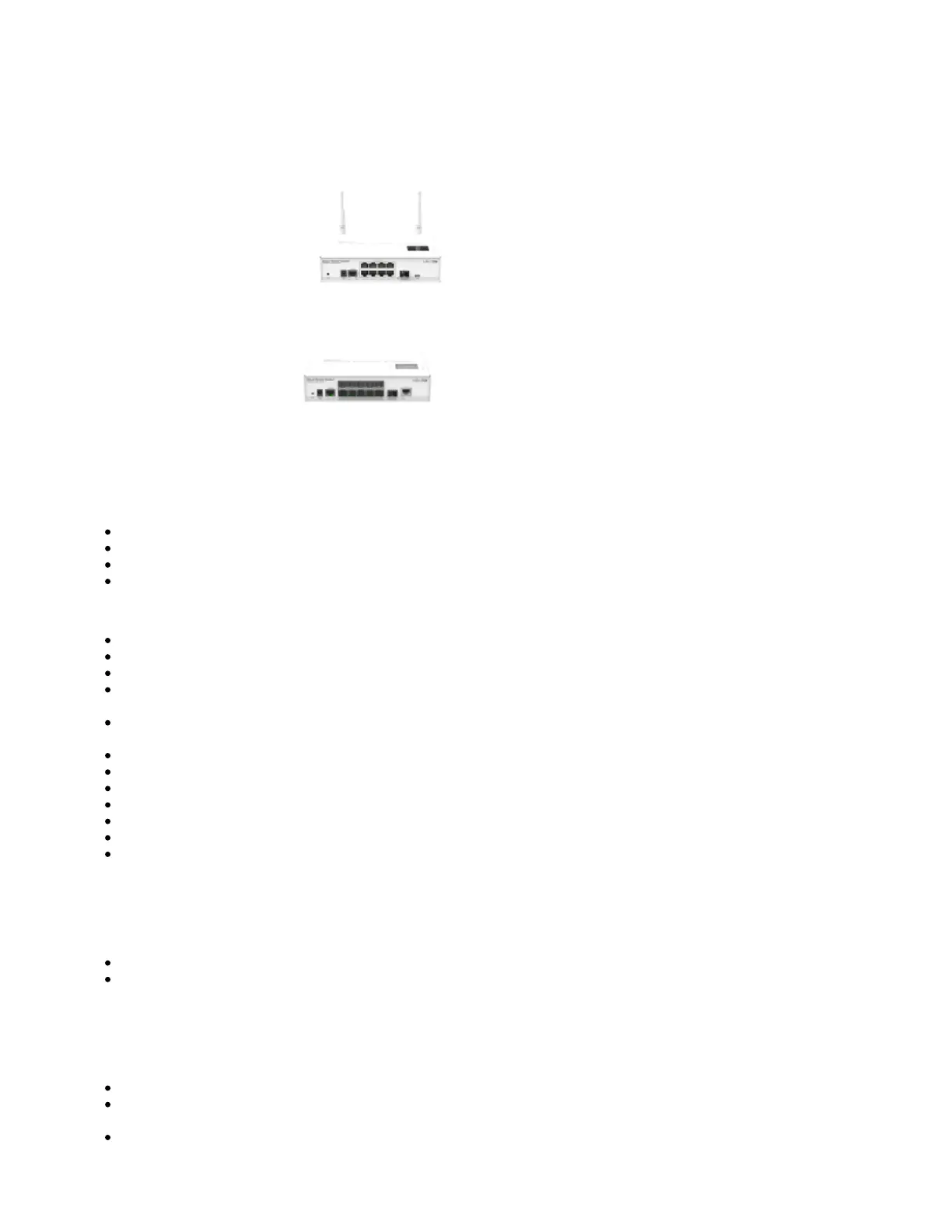
8 port device series models:
CRS109-8G-1S-2HnD-IN
CRS212-1G-10S-1S+IN
The CRS is a highly configurable switch, powered by RouterOS. Several models are available in the 8 Gigabit port
series:
CloudRouterSwitch 109-8G-1S-2HnD-IN
CloudRouterSwitch 112-8G-4S-IN
CloudRouterSwitch 210-8G-2S+IN
CloudRouterSwitch 212-1G-10S-1S+IN
First Use
Mount unit or place on the flat surface, please see paragraph for instructions.Mounting
Choose your powering solution, please see the section for possibilities.Powering
The Initial connection has to be done via the Ethernet cable, using the MikroTik Winbox utility.
Use Winbox to connect to the default IP address of 192.168.88.1 from any port, with the username admin and no password, the device is set up
as a switch . (or, for some models, check user and wireless passwords on the sticker)
Update the device by clicking the "Check for updates" button to v6.46 or the latest RouterOS software to ensure the best performance and
stability. The device needs to have an active internet connection.
To manually update the device, go to our download pagehttps://mikrotik.com/download
Choose your architecture (MIPSBE) and download the latest packages from any channel to your PC.
Open Winbox and upload packages in the Files menu.
Reboot the device.
Updating software will ensure the latest security fixes and regulations set by local law.
Choose your Country.
Set up your password to secure the device.
Powering
The devices accept power in the following ways:
direct-input power jack: 8-56V (24V 0.8A PSU included),
passive PoE input: 8-56V (injector included).
Except for CRS212-1G-10S-1+IN, which only accepts 8-30V direct input, with no PoE input support
Extension slots and ports
Except for CRS212: Eight (8) 10/100/1000 (Gigabit) Ethernet ports (Auto MDI/X).
For CRS109: One SFP cage, compatible with 1.25G SFP modules, Built-in 802.11b/g/n 2GHz wireless
access point.
For CRS112: Four SFP cages, compatible with 1.25G SFP modules.


Produkt Specifikationer

Mærke: Mikrotik
Kategori: Ikke kategoriseret
Model: CRS109-8G-1S-2HnD-IN
Bredde: 200 mm
Dybde: 145 mm
Højde: 45 mm
Produktfarve: Hvid
Wi-Fi: Ja
Ethernet LAN-porte (RJ-45): 8
Ethernet LAN: Ja
Driftstemperatur (T-T): -35 - 65 °C
Ethernet LAN-datahastigheder: 10,100,1000 Mbit/s
Intern hukommelse: 128 MB
Kabler inkluderet: USB
Strømforbrug (maks.): 13 W
Kabelteknologi: 10/100/1000Base-T(X)
Netværksstandarder: IEEE 802.3af, IEEE 802.11b, IEEE 802.11g, IEEE 802.11n
Udgangsspænding: 57 V
AC-adapter inkluderet: Ja
Processorfrekvens: 600 MHz
DC indgangsspænding: 24 V
Processormodel: Qualcomm Atheros AR9344
Indgangsstrøm: 0.8 A
Flashhukommelse: 128 MB
Strøm over Ethernet (PoE): Ja
Indbygget processer: Ja
Switch-type: Administreret
Switch lag: L3
Basis omskiftning RJ-45 Ethernet porte, antal: 8
Basis omskiftning RJ-45 Ethernet porttype: Gigabit Ethernet (10/100/1000)
Port til konsol: RJ-45
Antal SFP modulslots: 1
Strømstik: DC-in-stik

Har du brug for hjælp?

Hvis du har brug for hjælp til Mikrotik CRS109-8G-1S-2HnD-IN stil et spørgsmål nedenfor, og andre brugere vil svare dig


Ikke kategoriseret Mikrotik Manualer

Ikke kategoriseret Manualer

Nyeste Ikke kategoriseret Manualer

Owon

Owon P3000 Manual

23 December 2025
LevelOne

LevelOne FVT-1104 Manual

23 December 2025
Yamazen

Yamazen SUC-302 Manual

23 December 2025
Vaxcel

Vaxcel OW39573 Manual

23 December 2025
Xvive

Xvive AC58 Manual

23 December 2025
Yamazen

Yamazen DSG3-85 Manual

23 December 2025
Logic

Logic SP9 Mini Manual

23 December 2025
Arendo

Arendo 307798 Manual

23 December 2025
Eversolo

Eversolo PLAY Manual

23 December 2025