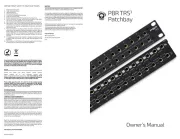
Black Lion Audio PBR TRS-BT Manual


Læs gratis den danske manual til Black Lion Audio PBR TRS-BT (2 sider) i kategorien Ikke kategoriseret. Denne vejledning er vurderet som hjælpsom af 39 personer og har en gennemsnitlig bedømmelse på 4.8 stjerner ud af 20 anmeldelser. Har du et spørgsmål om Black Lion Audio PBR TRS-BT, eller vil du spørge andre brugere om produktet?
Side 1/2
CONNECTING BLUETOOTH
Once you have installed your PBR TRS-BT where you need it, plug it in to
an appropriate power source. Note: The power supply is only needed for
Bluetooth audio.
Plug in your equipment to the correct outlets on the PBR TRS-BT.
Once the power supply is pluged into the power inlet, the PBR TRS-BT Blue-
tooth is active. To sync your device to the PBR TRS-BT, press and hold the
Bluetooth Sync button. Once the Bluetooth Status LED has started to blink,
devices are able to nd the PBR TRS-BT via Bluetooth connection.
To sync another device to the PBR TRS-BT, press and hold the Bluetooth
Sync button.
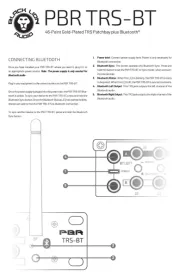
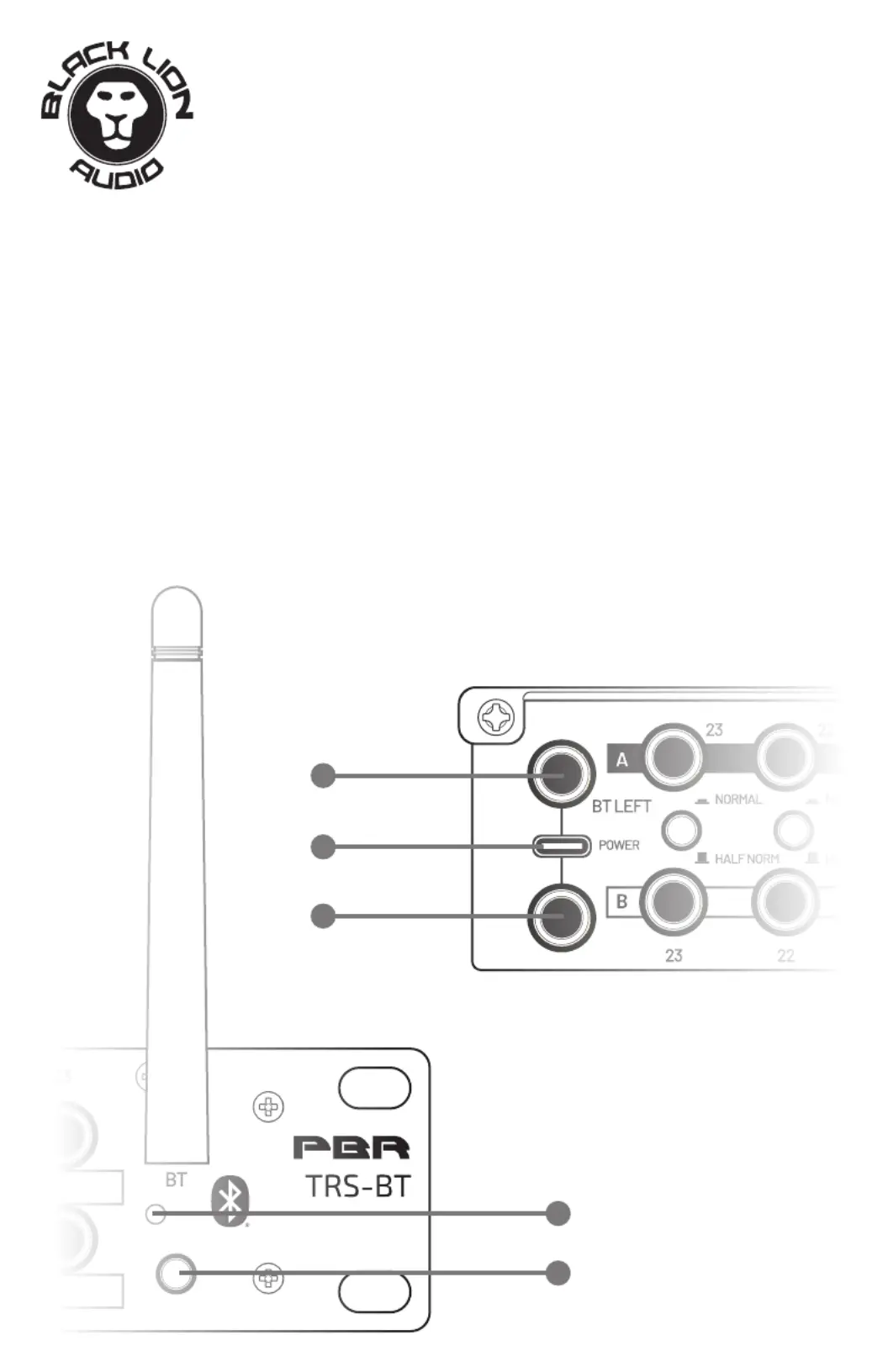
1. Power Inlet: Connect power supply here. Power is only necessary for
2. Bluetooth Sync: This button operates the Bluetooth Sync. Press and
hold this button to set the PBR TRS-BT tosync mode”, when connect-
ing new devices.
3. Bluetooth Status: When this LED is blinking, the PBR TRS-BT is ready
to be paired. When this LED is lit, the PBR TRS-BT is synced to a device.
4. Bluetooth Left Output: This TRS jack outputs the left channel of the
Bluetooth audio.
5. Bluetooth Right Output: This TRS jack outputs the right channel of the
Bluetooth audio.
1
2
4
3
5
PBR TRS-BT
46-Point Gold-Plated TRS Patchbay plus Bluetoot


Produkt Specifikationer

Mærke: Black Lion Audio
Kategori: Ikke kategoriseret
Model: PBR TRS-BT

Har du brug for hjælp?

Hvis du har brug for hjælp til Black Lion Audio PBR TRS-BT stil et spørgsmål nedenfor, og andre brugere vil svare dig