SETTING UP YOUR EXTENDER KIT
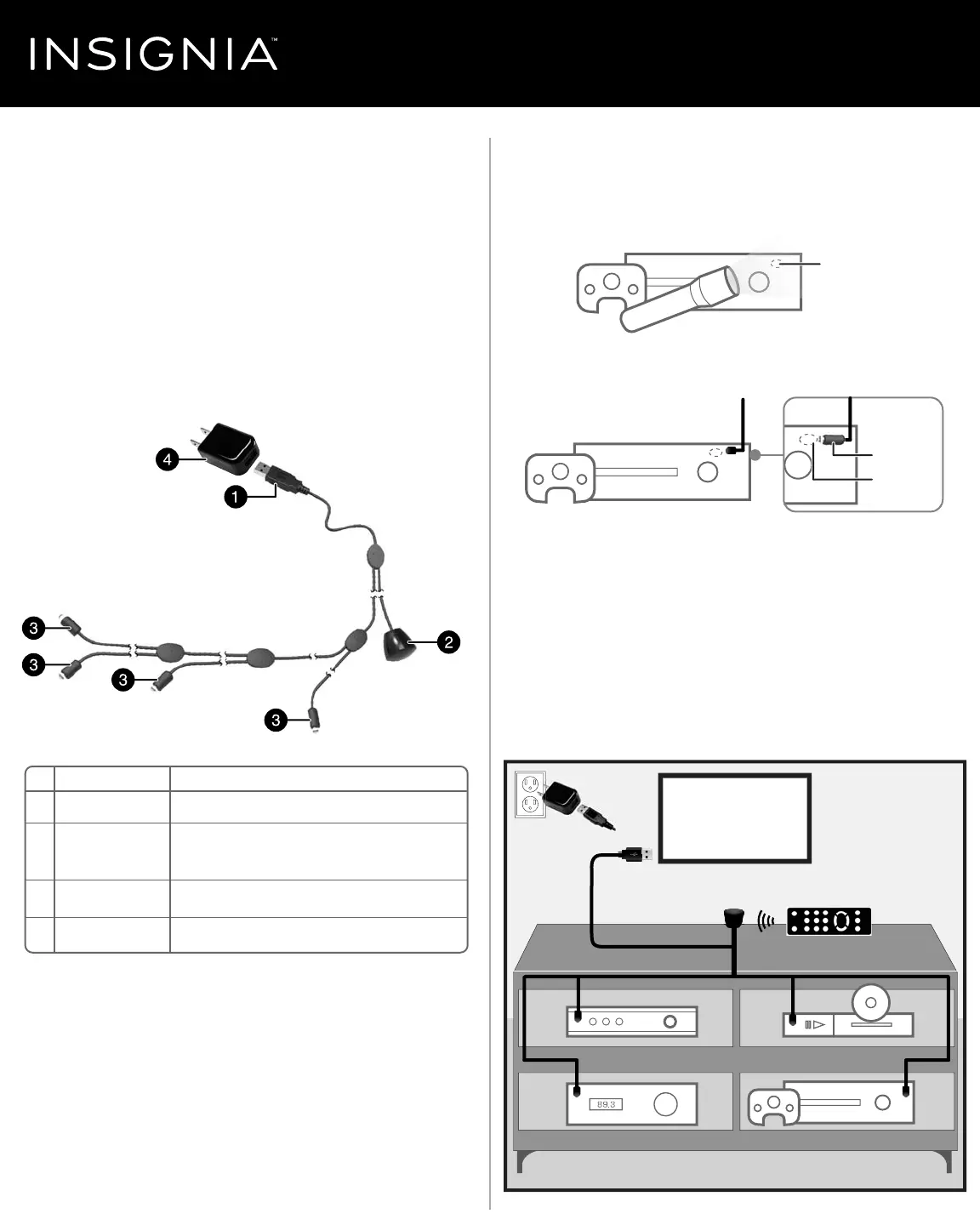
1 Locate your AV device’s remote control (IR) sensor. To nd it, shine a
ashlight at the front of your AV device and look for an “eye” that
resembles the emitters on the cable. If you can’t locate it, check the
documentation that came with your AV device.
2 Remove the adhesive backing from an emitter, then stick it close to
and pointed towards the remote sensor on your AV device.
3 Remove the adhesive backing from the remote control receiver, then
stick it to the front of your AV cabinet or on or near your TV. It needs
to be in the line-of-sight of your remote control. Be sure it does not
cover the remote control sensor on your TV.
4 Connect the USB power connector to either the TV’s USB port or to
the AC adapter and then into a wall outlet.
5 Aim the AV device’s remote control at the remote control receiver.
Note: The emitters and receiver work with infrared, not visible, light, just like
your remote control (so you won’t see any lights blinking or ashing).
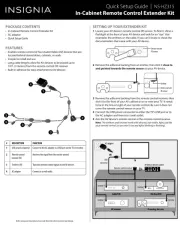
PACKAGE CONTENTS
• In-Cabinet Remote Control Extender Kit
• AC adapter
• Quick Setup Guide
FEATURES
• Enables remote control of four Audio/Video (AV) devices that are
located behind closed doors, cabinets, or walls
• Simple to install and use
• Long cable lengths allow for AV devices to be placed up to
10 ft. (3 meters) from the remote control (IR) receiver
• Built‐in adhesive for easy attachment to AV devices
Quick Setup Guide
|
NS-HZ315
In-Cabinet Remote Control Extender Kit
Before using your new product, please read these instructions to prevent any damage.
# DESCRIPTION
1 USB power connector
2 Remote control
receiver (IR)
3 Emitters (IR)
4 AC adapter
FUNCTION
Connect to the AC adapter or a USB port on the TV or monitor.
Receives the signal from the remote control.
Transmits remote control signals to the AV devices.
Connect to a wall outlet.
TV
Remote control receiver
AV device remote control
USB
connector
OR
AC adapter
Blu-Ray/DVDCable/STB
Gaming device
AV receiver
Emitter
Emitter
Emitter
Emitter
Device remote
IR sensor
Emitter
Device remote
IR sensor