Sekonda Track 30169 Manual

Sekonda Smartwatch Track 30169
Læs gratis den danske manual til Sekonda Track 30169 (51 sider) i kategorien Smartwatch. Denne vejledning er vurderet som hjælpsom af 28 personer og har en gennemsnitlig bedømmelse på 3.7 stjerner ud af 14.5 anmeldelser. Har du et spørgsmål om Sekonda Track 30169, eller vil du spørge andre brugere om produktet?

Side 1/51
English
SEKONDA TRACK SMART WATCH
INSTRUCTIONS
(30169, 30170, 30171)
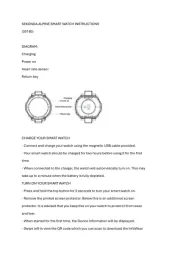
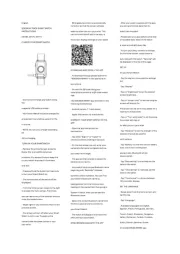
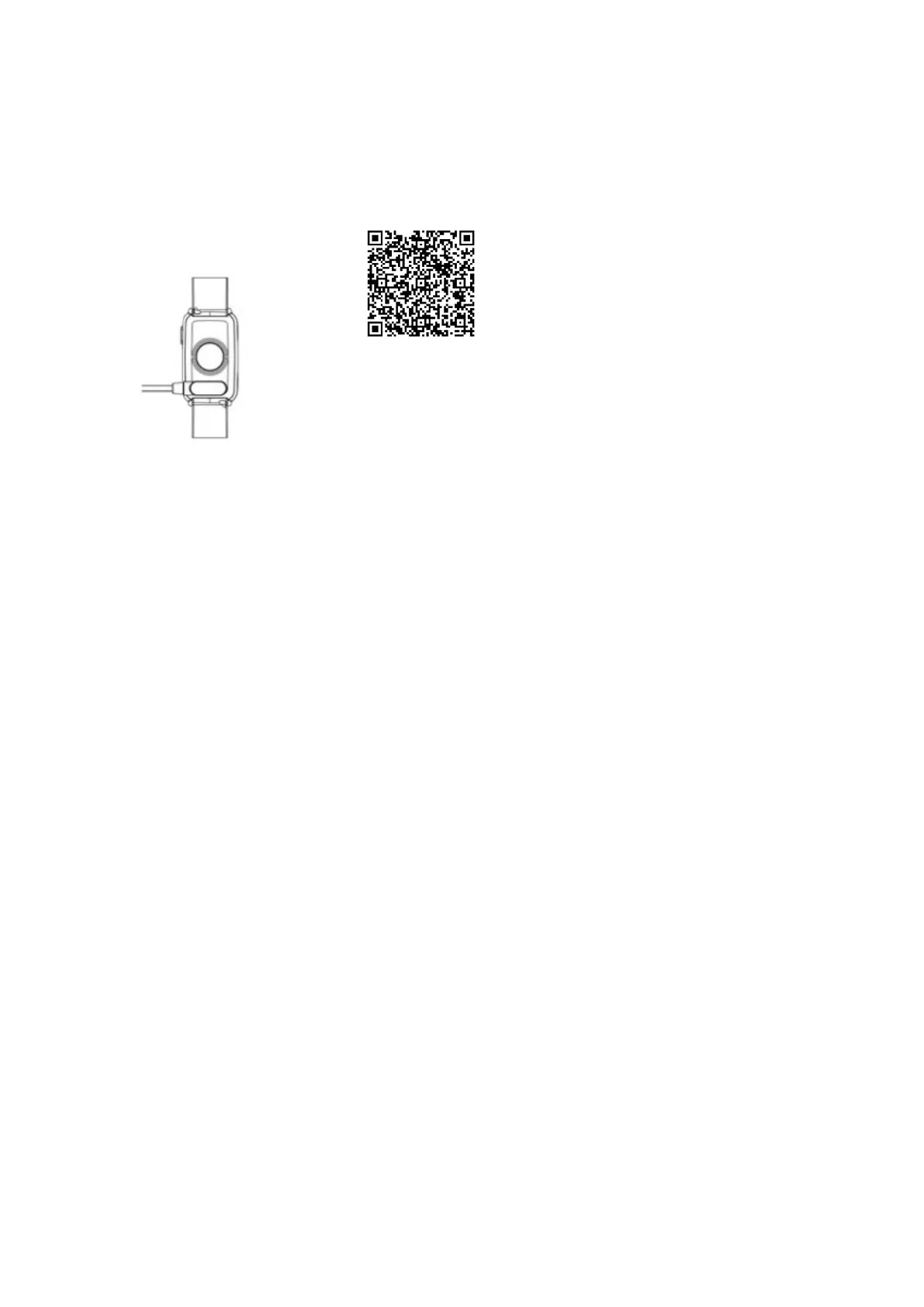
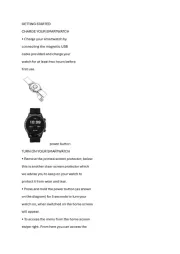
CHARGE YOUR SMART WATCH
- Connect and charge your watch using
the
magnetic USB cable provided.
- Your Smart Watch should be charged for
at least two hours before using it for the
 rst time.
- NOTE: Do not use a charger exceeding
5V
2A for charging.
TURN ON YOUR SMARTWATCH
- Remove the printed screen protector.
Below this is an additional screen
protector. It is advised that you keep this
on your watch to protect it from wear
and tear.
- Press and hold the button for 5 seconds
to turn your Smart Watch on.
- The home screen of the watch will be
displayed.
- From the home screen, swipe to the right
to access the menu screen. From here
you can tap on any of the function icons to
enter the related menu.
- Swipe right on any screen to return to the
previous screen.
- The screen will turn o when your Smart
Watch is not in use. To wake up the
screen press the power button or turn
your wrist.
- Wrist gesture control is automatically
turned on so that the screen will also
wake up when you turn your wrist. This
can be turned on/o within the app, or
the screen display settings on your watch.
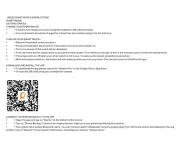
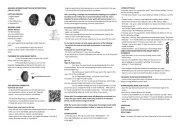
DOWNLOAD AND INSTALL THE APP
- To download the app please search for
“SEKONDA SMART” in the app store on
your phone.
- Or scan the QR code using your
smartphone camera or a QR code reader
app.
The SEKONDA SMART app will work on the
following smartphones:
- Android (version 7.1 and above)
- Apple iOS (version 12.0 and above)
CONNECT YOUR SMART WATCH TO THE
APP
- Open the app and accept the
permissions.
- Tap either “Sign In” or “Guest” to
continue without creating an account.
- On the next screen you can enter your
personal information and goals such as
your step count target.
- The app will then prompt to search for
devices to connect to.
- Your watch has a unique Bluetooth name
beginning with “Sekonda” followed
by letters and/or numbers. You can  nd
your watchs Bluetooth name by
swiping down from the home screen,
tapping on the cog symbol, then going to
System > About. Here you will see the
Bluetooth name.
- Select the correct Bluetooth name from
the list on your phone to connect to
your Smart Watch.
- The watch will display the correct time
after pairing is successful.
SYNCHRONISE DATA WITH THE APP
- After your watch is paired with the app
you can synchronise data that the
watch has recorded.
- Please sync your app daily to avoid loss
of recorded data. Data on the watch
is reset at midnight every day.
- To sync your data, connect to the app.
On the home screen, swipe down to
sync data with the watch. “Syncing” will
be displayed at the top of the page.
SET UP
On your Smart Watch:
- Tap the cog icon to access the settings
list.
- Tap “display”
- Tap on “brightness” to set the desired
screen brightness.
- Tap on “screen time” to set how long the
screen will stay on for.
The screen can be set to stay awake for a
maximum of 9 seconds.
- Tap on “Turn wrist wake” to set how long
the screen will stay on
for after you turn your wrist.
- Tap “Vibration” to set the strength of the
vibration that will be used for
noti cations.
- Tap “Battery” to view the current battery
level, and to turn on/o power
saving mode. Bluetooth will be
disconnected.
- Tap “Date setting” to manually set the
date on the watch.
- Tap “Time setting” to manually set the
time on the watch.
- Tap “Time format” to choose between
12hr and 24hr display.
SET THE LANGUAGE
- Swipe down from the home screen and
tap the cog.
- Tap “Language”.
- Available languages are English,
Spanish, Polish, Portuguese, German,
French, Czech, Slovakian, Hungarian,
Italian, Romanian, Turkish, Croatian,
Dutch, Danish, Estonian, Greek.
On the SEKONDA SMART app:


Produkt Specifikationer

Mærke: Sekonda
Kategori: Smartwatch
Model: Track 30169

Har du brug for hjælp?

Hvis du har brug for hjælp til Sekonda Track 30169 stil et spørgsmål nedenfor, og andre brugere vil svare dig


Smartwatch Sekonda Manualer
Smartwatch Manualer

Nyeste Smartwatch Manualer

Huawei

Huawei Watch GT 6 Pro Manual

14 November 2025
Casio

Casio Edifice ECB-800 Manual

13 November 2025
Huawei

Huawei Watch GT 6 Manual

10 November 2025
DCU

DCU Sophie 34157095 Manual

2 November 2025
Denver

Denver SWG-345 Manual

31 Oktober 2025
Nilox

Nilox NXSWONAIR Manual

30 Oktober 2025
Bauhn

Bauhn AFTWS-0825 Manual

8 Oktober 2025
Honor

Honor Band 10 Manual

4 Oktober 2025
Suunto

Suunto Race 2 Manual

3 Oktober 2025