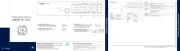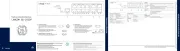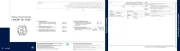
VP- Start 427UHD Quick Guide
This guide helps you install and use your VP-427UHD for the first time.
Go to www.kramerav.com/downloads/VP-427UHD to download the latest user manual and check if firmware
Step 1: Check what’s bin the ox
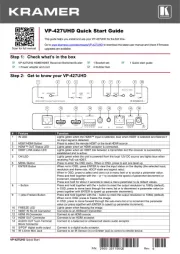
VP-427UHD HDMI/HDBT Receiver/Switcher/Scaler
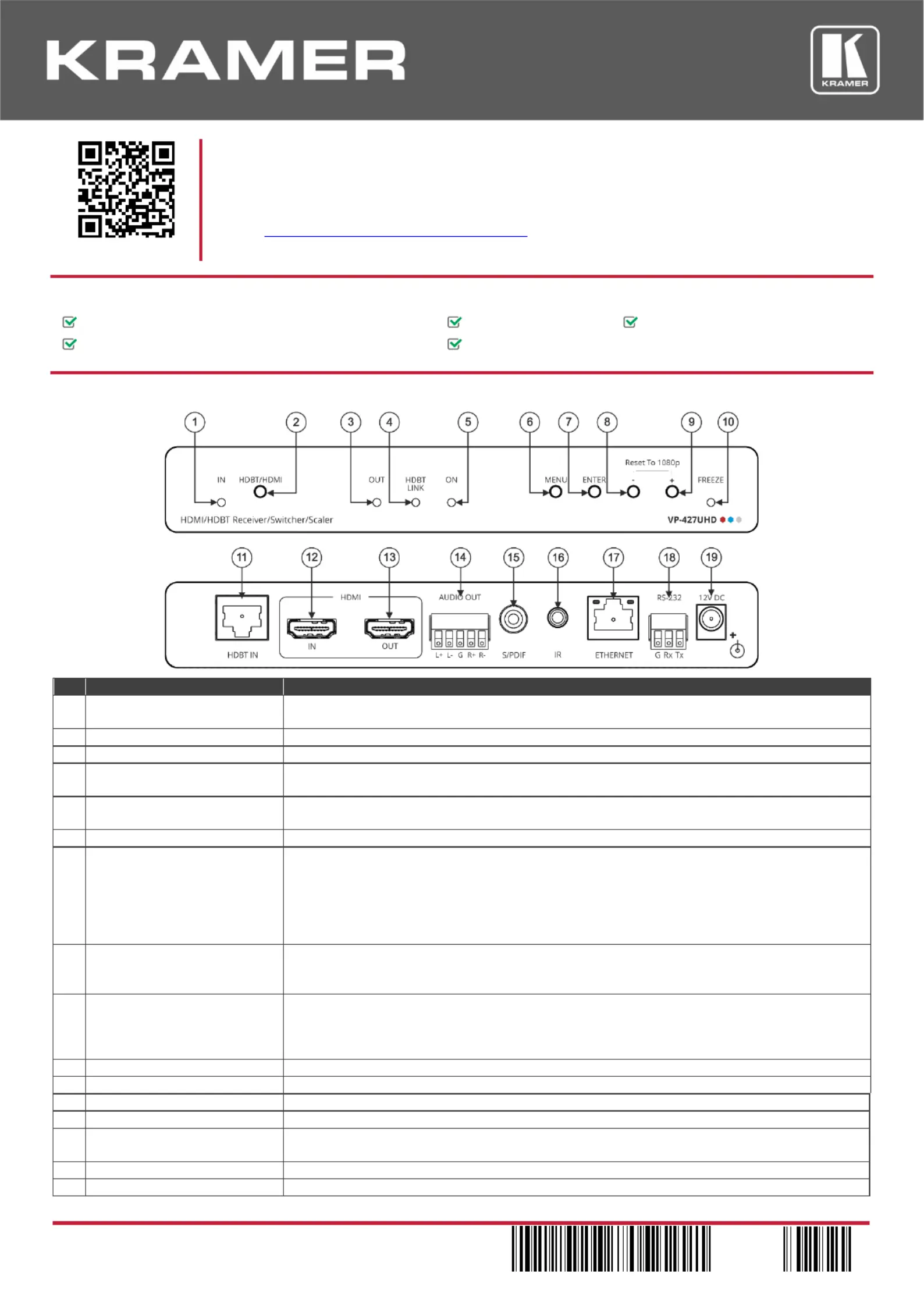
Step 2: VP-Get to know your 427UHD
Lights green when the HDMI blue when HDBT is selected flashes if ™ input is selected, and
no input signal is detected.
Press to select the remote HDBT or the local HDMI source.
Lights green when an HDMI acceptor is connected.
Lights green when transmitter and an HDBT link between a the receiver is successfully
established and is active.
Lights green when the unit is powered from local 12V DC source and lights blue when the
Press to enter the menu. When , press to exit one level up.OSD in OSD
When not in OSD, press ENTER to input status on the display (view the the selected input,
resolution and frame rate, HDCP state and aspect ratio).
When in OSD, press to select and carry out a menu item or to accept a parameter value.
Press and hold together with the increase the speed of parameter– or + to -decrement or
Press and hold for about 3 seconds to reset a menu parameter to its default values.
Press and hold together with the + the output resolution to 1080p ( button to reset default).
In OSD, press to move back through the menu list or to decrement parameter valuea (or
press together with ENTER to speed up parameter decrement).
Press and hold together with the to 1080p (– button to reset the output resolution default).
When not in OSD press to freeze the image: ;
In OSD, press to move forward through the sub-menu list or to increment the parameter
value (or press together with ENTER to speed up parameter increment).
Lights green when freezing the image.
Connects to an HDBaseT transmitter.
Connect to an HDMI source.
Connects to an HDMI acceptor.
Connect to a balanced or unbalanced stereo audio acceptor.
S/PDIF digital audio output
Connect to a digital audio acceptor.
Connect to an IR Sensor (in) or a remoteEmitter (out) to control . device